Get More Matches
Dating Photos That Get Swiped Right
Stop using blurry selfies and group photos where no one knows which one is you. Create stunning, natural dating photos that show your best self.
Credits never expire. Works with Tinder, Bumble, Hinge & more.
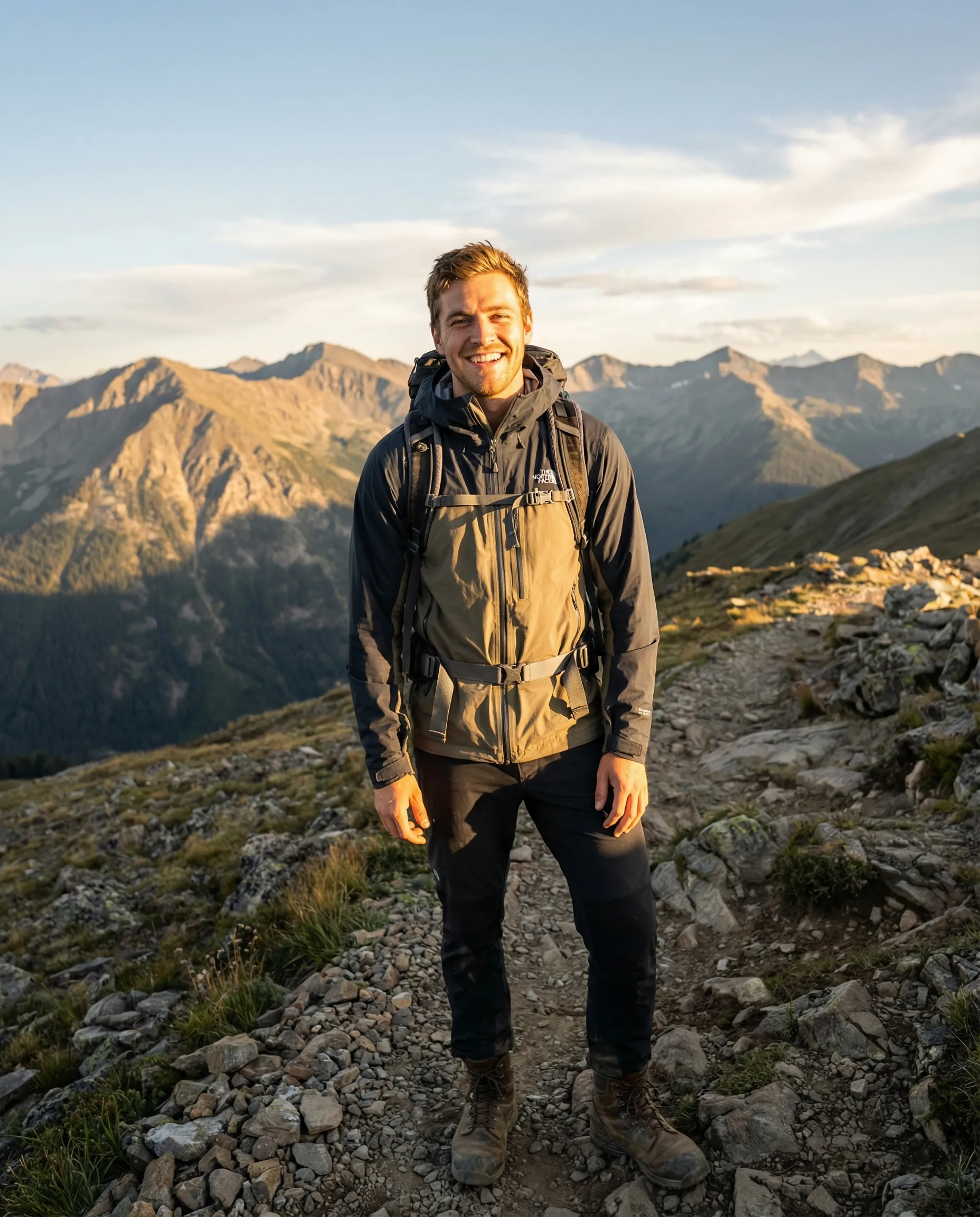
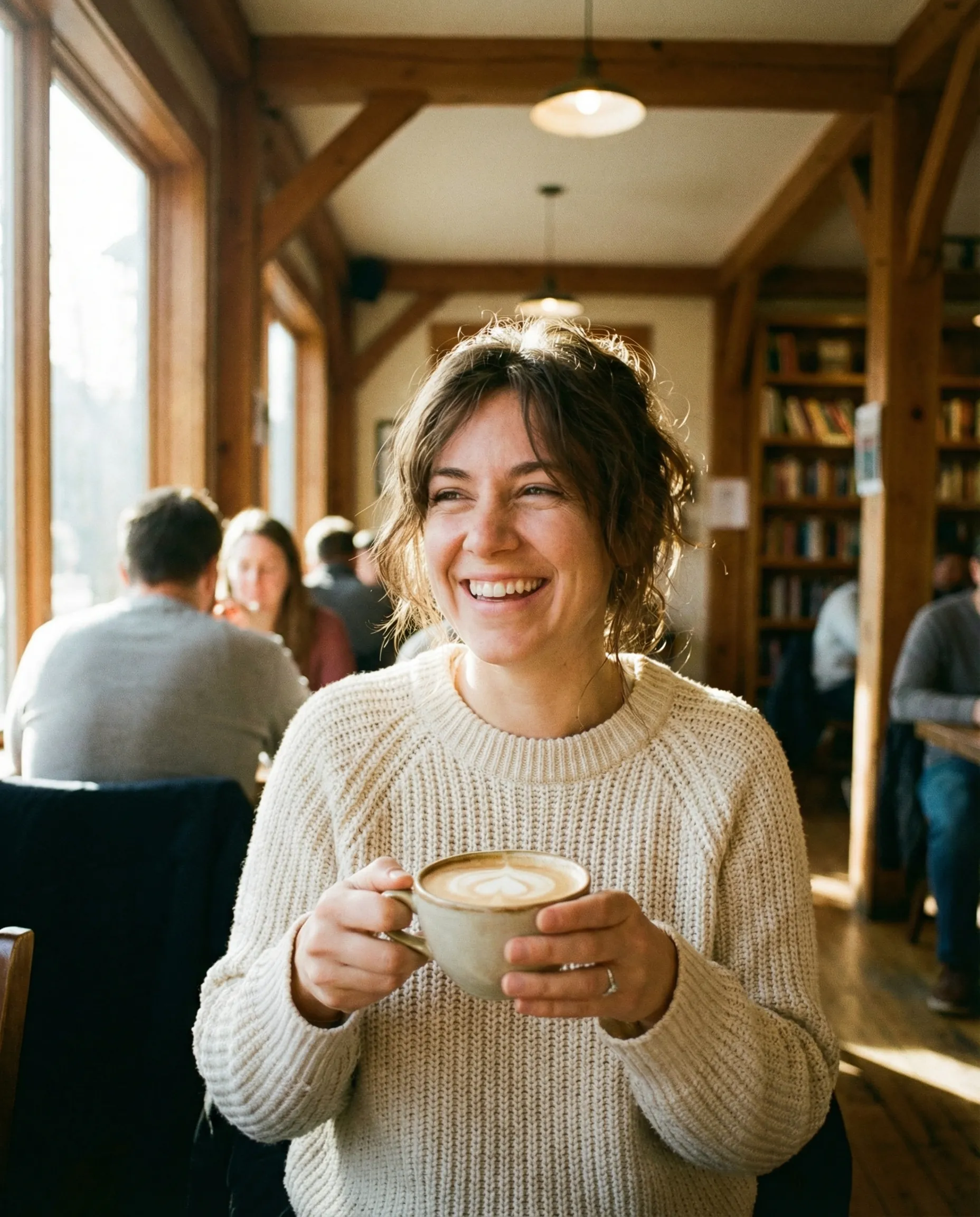
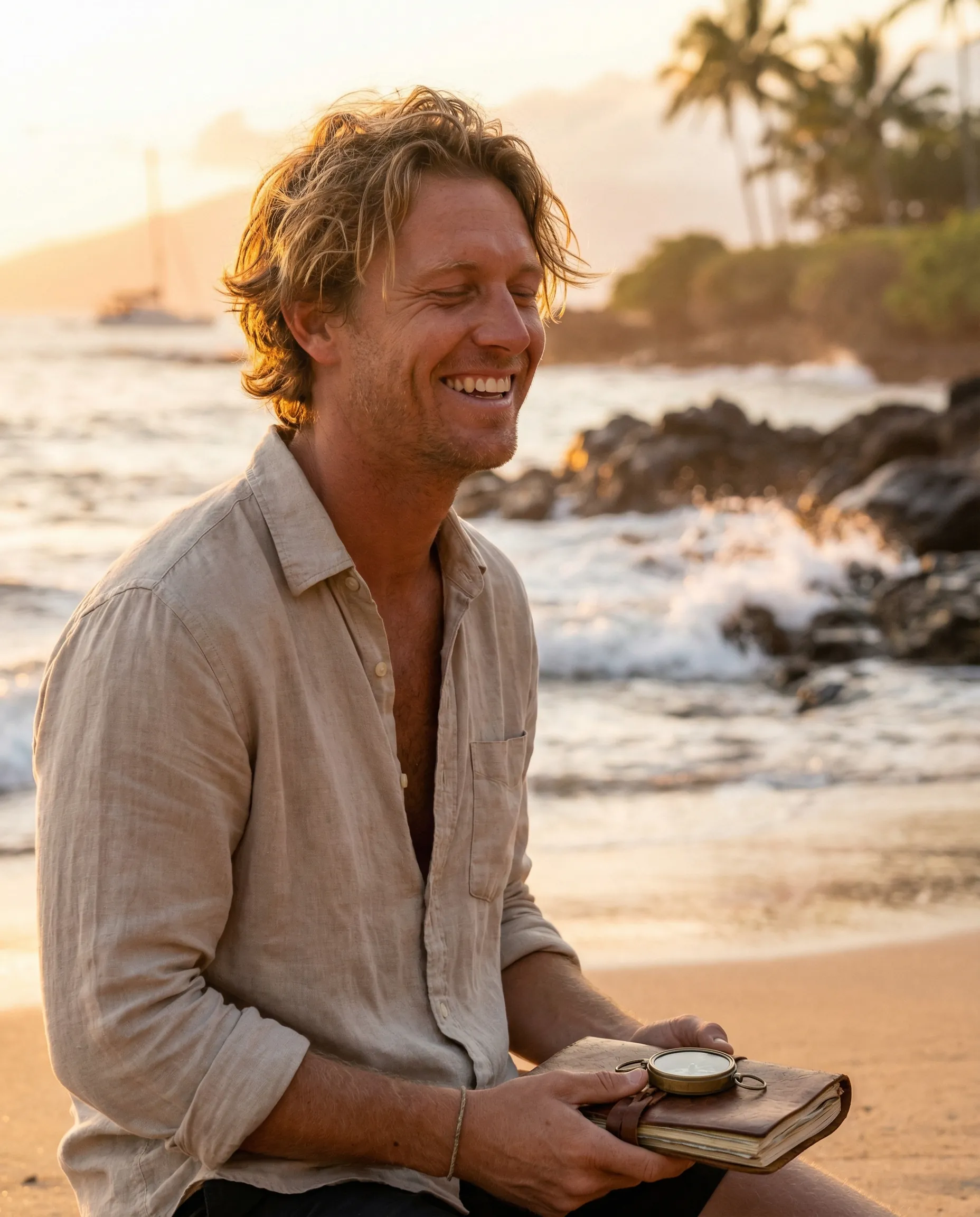
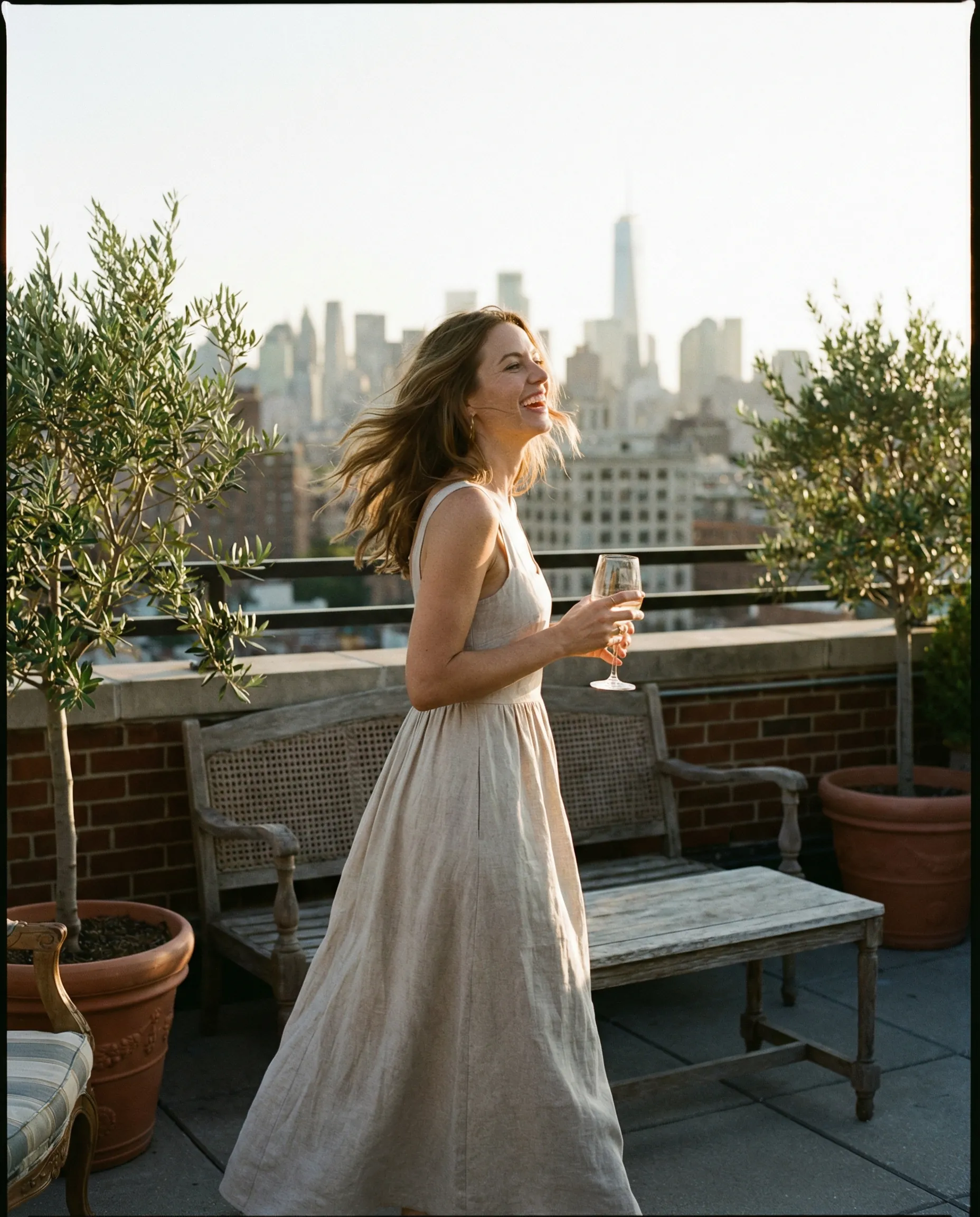
Every Scene You Need
From adventure shots to cozy vibes - create a dating profile that shows your personality.
Adventure
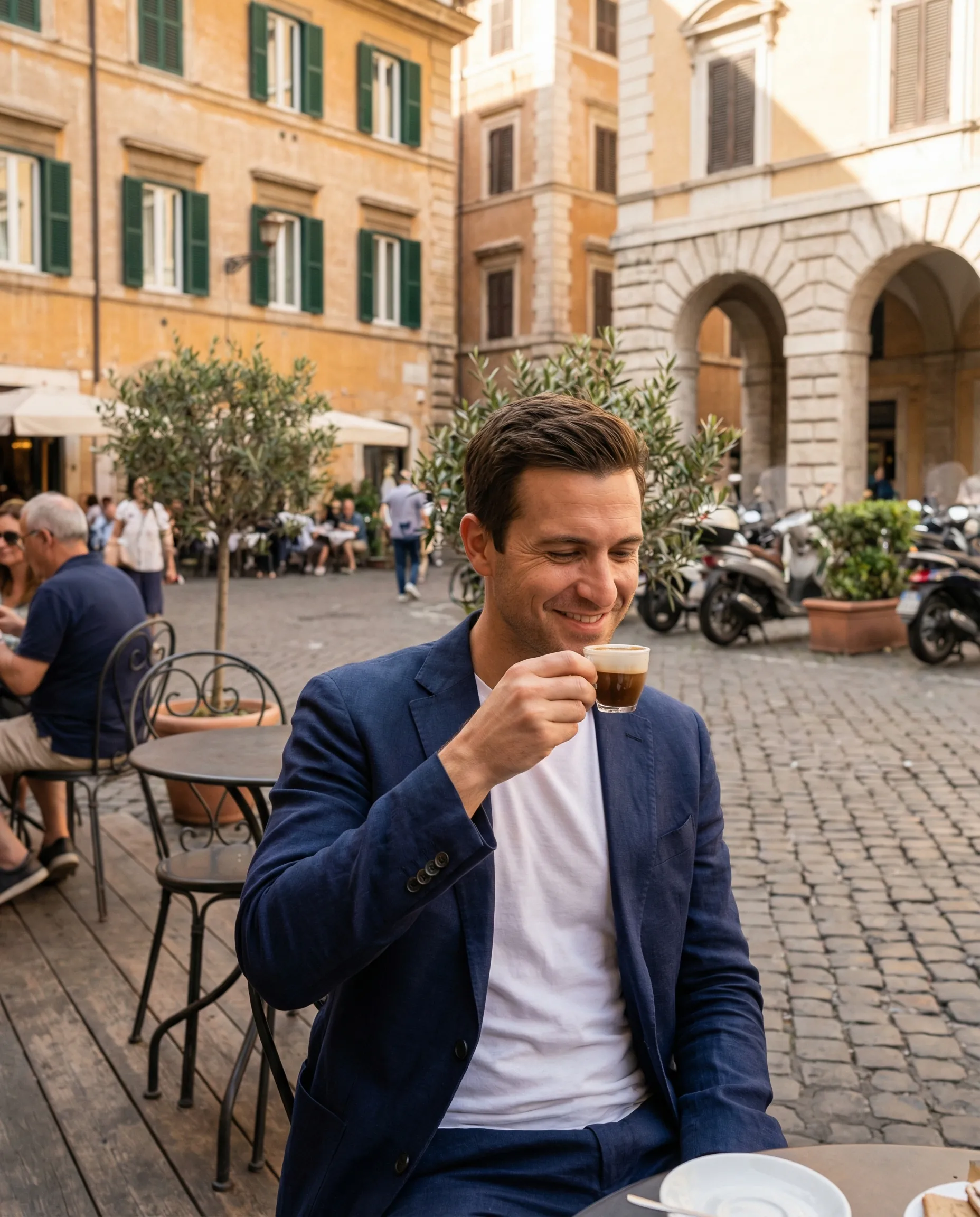
Coffee Date
Beach
Urban
Travel

Lifestyle
Build a stronger first photo
Create a dating-photo lineup that still looks like you
LensCherry helps you create polished lead photos, full-body shots, and dressed-up options from your reference photos. Keep the best ones, mix them with real candids, and update your profile faster.
One-time credit packs. Credits never expire.
Quick lead-photo options for Hinge, Bumble, and Tinder
Natural lighting, cleaner framing, and stronger outfit variety
Easy to mix with the candid photos you already have
One-Click Dating Styles
8 Dating Quick Shots Ready to Go
Skip the prompt writing. Pick a scene, choose your model, and generate a dating photo in under 30 seconds. Each style is designed for maximum match potential.
Dating Profile Essentials
Classic main photo
1 credit
Coffee Date Vibes
Cozy cafe setting
1 credit
Outdoor Adventure
Hiking trail shot
1 credit
Dog Park Companion
Pet-friendly profile
1 credit
Restaurant Date Night
Dressed up + confident
1 credit
Beach Walk
Golden hour casual
1 credit
Farmers Market Morning
Weekend lifestyle
1 credit
Rooftop Cocktails
City nightlife vibes
1 credit
Browse Dating Quick Shots
One-time credit packs. Credits never expire.
Better Photos in 3 Steps
1. Upload Selfies
Upload 3-6 regular photos. LensCherry creates your model from reference photos, then uses it to generate dating-friendly shots that still look like you.
2. Choose Scenes
Beach? Mountains? Coffee shop? Pick the vibes that match your personality.
3. Get Matches
Update your profile and watch the likes and messages roll in.
Why Your Profile Needs Better Photos
Photos Are 90% of Your Profile
Studies show people spend less than a second deciding to swipe. Great photos are everything.
Variety Shows Personality
One good photo isn't enough. Show different sides of yourself - adventurous, relaxed, social.
Natural Lighting Matters
Bathroom selfies and dark bar photos don't cut it. Our AI creates perfect golden hour lighting.
Location Creates Interest
Travel, outdoor, and lifestyle photos spark conversation. Give matches something to ask about.
Not sure which photos to use?
Our guide covers the exact 6-photo lineup that works on Hinge, Bumble, and Tinder in 2026, plus which shots quietly hurt your match rate.
Read the guidePerfect For Every Dating App
TinderBumbleHingeOkCupidMatchPlenty of FishCoffee Meets BagelThe League
More from the AI Creative Studio
Dating photos are just the start
Your AI model works across every LensCherry feature. Use the same reference photos for headshots, fashion, try-on, and more.
Professional Headshots
LinkedIn-ready headshots and corporate portraits from the same AI model.
Background Changer
Swap any photo background with 12 professional presets or a custom scene.
Virtual Try-On
See how clothing looks on your AI model before buying.
Quick Shots
Dozens of one-click styles. Pick a look and shoot for 1 credit.
Full Creative Studio
See everything LensCherry can do from one workspace.
Frequently Asked Questions
Ready to upgrade your dating profile?
Use your credits to create photos. Your AI model also works for headshots, try-on, backgrounds, and more.
One-time credit packs. Credits never expire.