Instagram profile photos
Make an Instagram profile photo that still works when it gets small
Upload one photo set, create your model, and generate cleaner Instagram profile photos that hold up in the tiny avatar, your bio link, and the rest of your creator presence.
Make one model, then generate multiple Instagram-ready directions.
Keep a clean avatar for Instagram and a wider crop for your bio link.
Choose a version that still reads clearly in comments, DMs, and story rings.
Best for creators, coaches, artists, founders, and personal brands who want a sharper profile photo without booking another shoot.
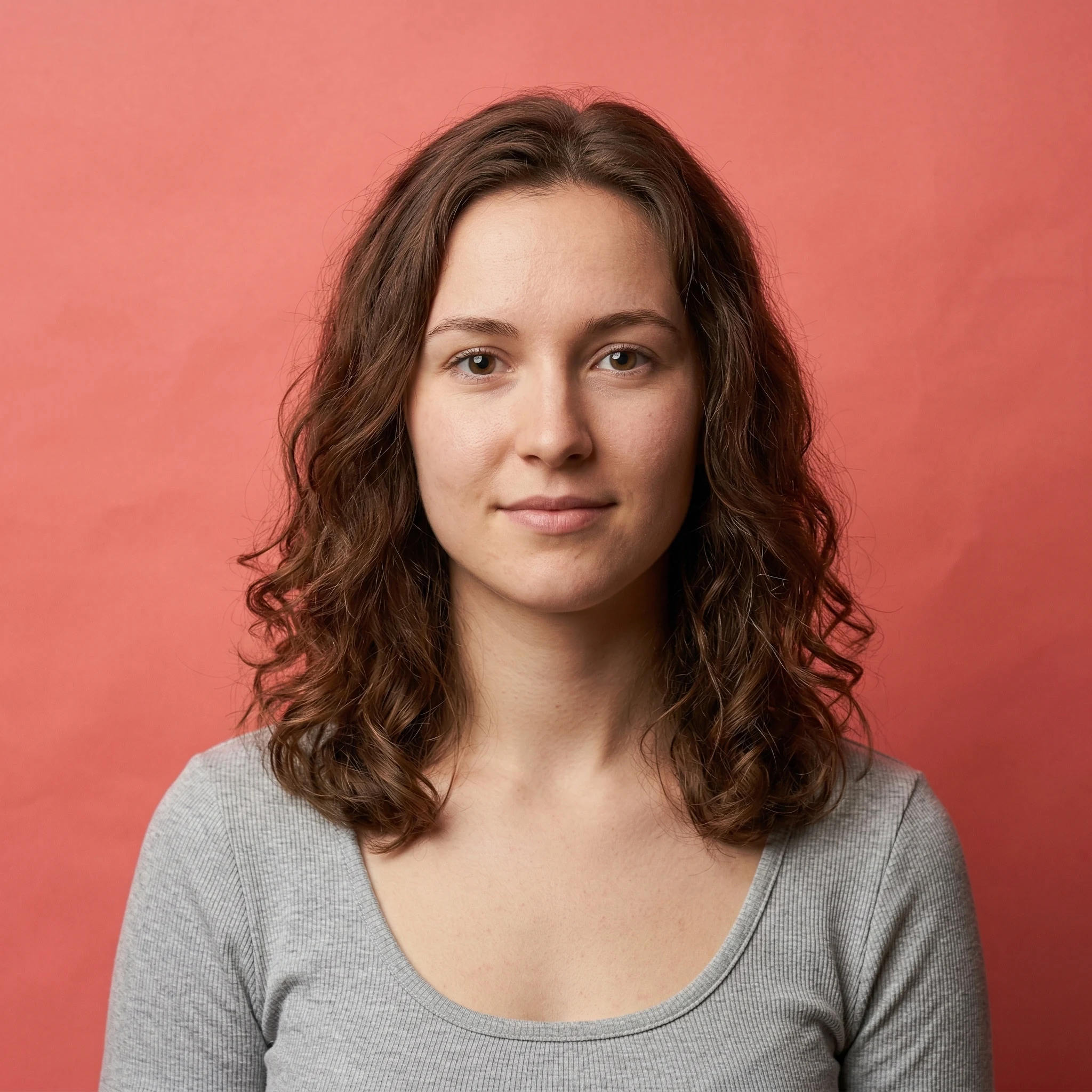
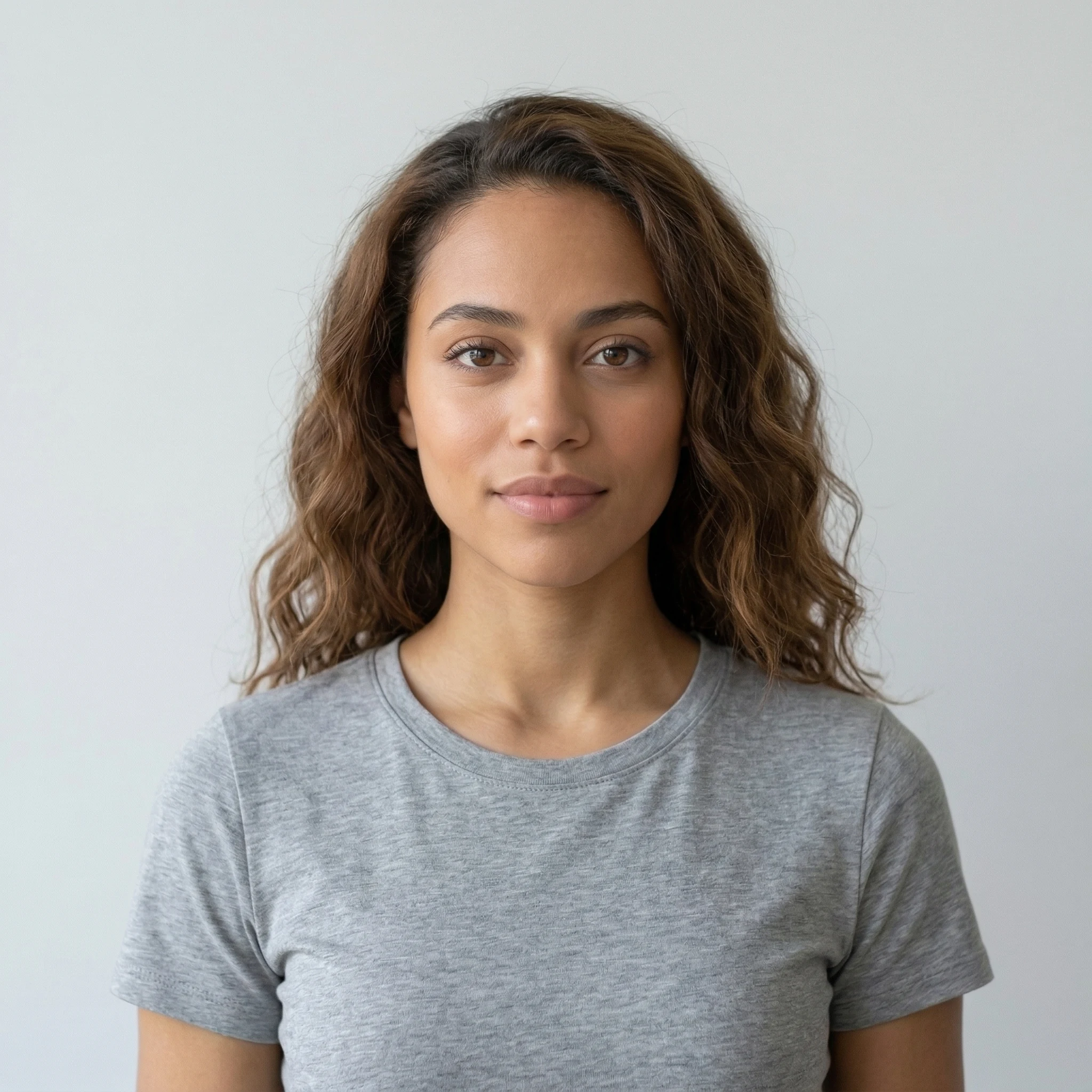
Get a better Instagram profile photo without starting over
Create a cleaner avatar from the same photo set
Upload reference photos once, create your model, and generate a few Instagram-ready directions before you choose the one that reads best at small size.
One-time credit packs. Credits never expire.
Make an Instagram avatar and a wider bio-link version from the same model
Keep your face recognizable in comments, DMs, and story rings
Refresh your creator identity without another rushed selfie
Upload your reference photos
Start with a few clear photos so LensCherry can build a model that stays close to how you actually look.
Generate a few directions
Try a cleaner avatar, a brighter creator look, or a slightly wider crop for your link-in-bio page.
Keep the version that reads small
Pick the photo that still feels recognizable once Instagram shrinks it into a tiny circle.
Quick rules for a stronger Instagram profile photo
Instagram profile photos are small, circular, and easy to get wrong. Good framing matters almost as much as the photo itself.
Use a square image at 320 × 320 px or larger.
Let your face fill about 55 to 65% of the frame.
Leave room around hair, glasses, and shoulders for the circular crop.
Preview the photo small before you publish it.
Keep one slightly wider export for Linktree, Beacons, or your newsletter.
Best use case
This page is strongest when you want a better Instagram identity photo, not a full content shoot.
Use LensCherry for the profile photo that appears beside comments, DMs, stories, and your bio link.
If one image has to cover Instagram, Linktree, Beacons, and your newsletter, keep a slightly wider second export from the same image.
If the face stops reading clearly when the image gets small, it is not the right Instagram avatar yet.
FAQ
Common questions about using AI photos for Instagram, including sizing, crop, and bio-link reuse.