LinkedIn Headshots That Get Results
Profiles with professional photos get 21x more views and 36x more messages. Get your perfect LinkedIn headshot in 30 seconds with AI.
15 free credits (3 photos) on signup • No credit card required

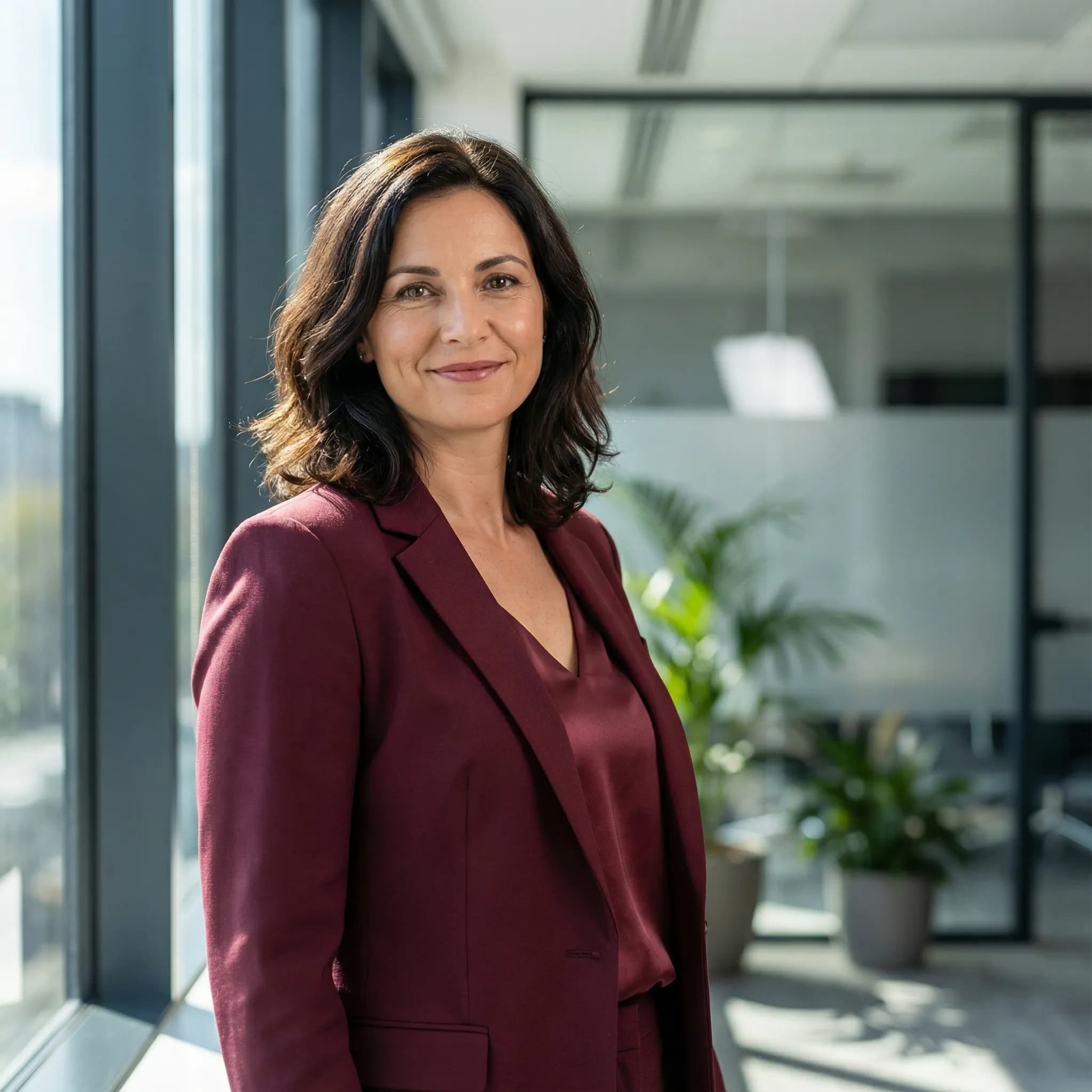

Generated by AI
Professional Styles for Every Industry
From corporate executive to creative professional - find the perfect look for your LinkedIn profile.
Executive
Corporate
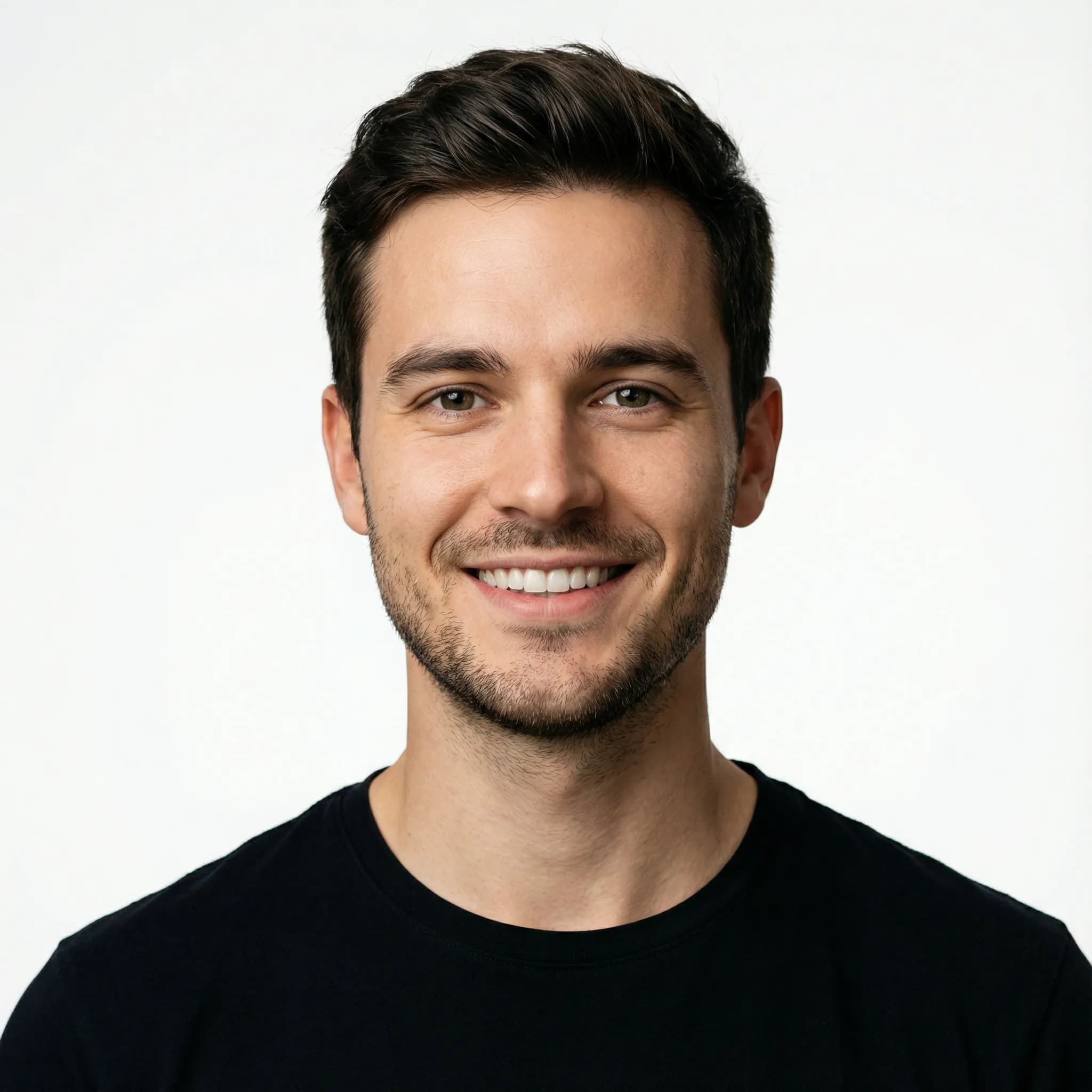
Tech
Sales

Medical
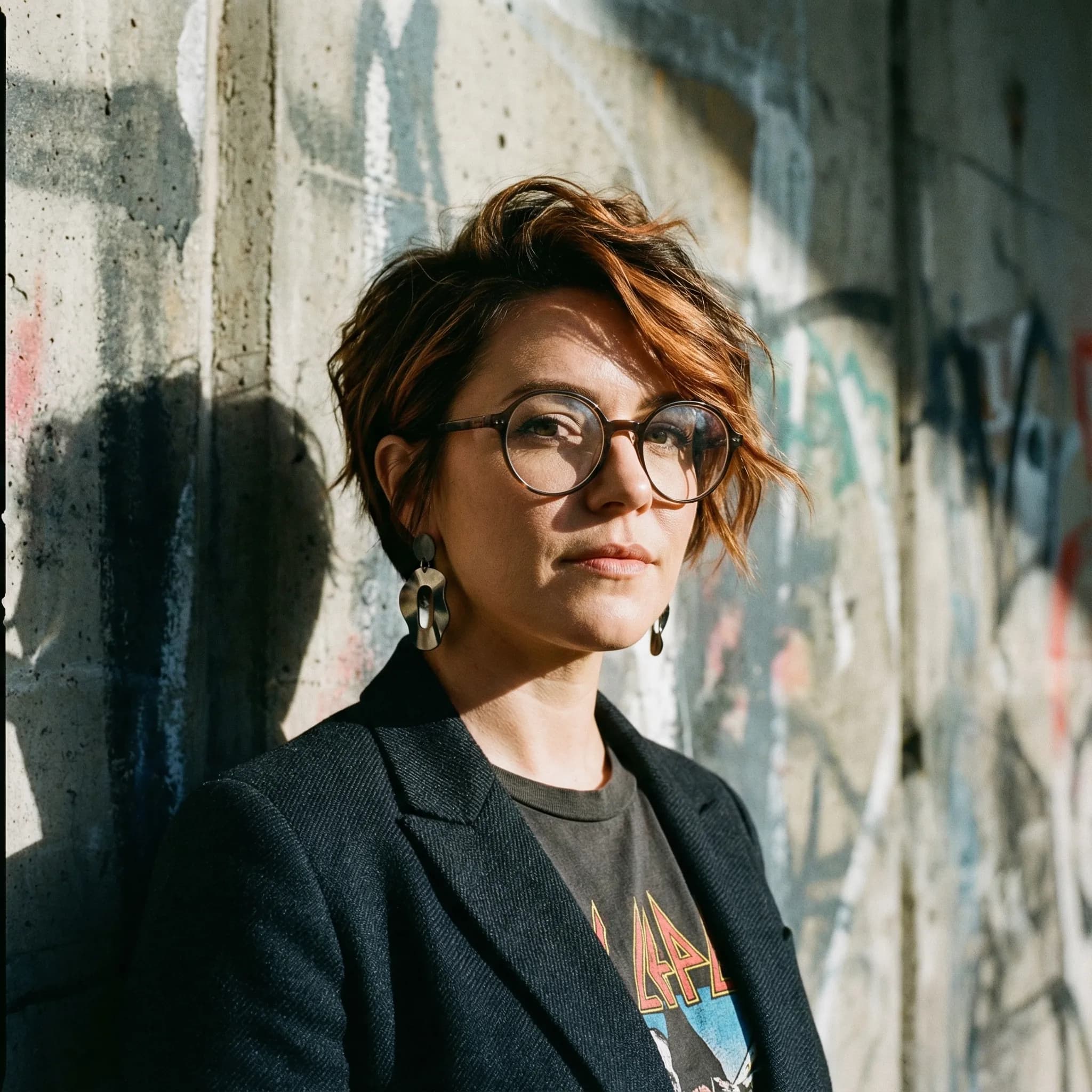
Creative
Get Your LinkedIn Headshot in 3 Steps
1. Upload Selfies
Upload 3-6 photos from different angles. Our AI learns your unique features.
2. Choose Your Style
Pick from business formal, smart casual, or creative styles. Match your industry.
3. Update LinkedIn
Download in high resolution and update your profile. Watch the connection requests roll in.
The Perfect LinkedIn Photo
Professional Lighting
Studio-quality lighting that highlights your best features and creates a polished look.
Clean Backgrounds
Professional neutral backgrounds that keep the focus on you, not your surroundings.
Industry-Appropriate Attire
From suits to smart casual - styles that match your industry and role.
Approachable Expression
Confident, friendly expressions that make people want to connect with you.
Perfect For Every Professional
Frequently Asked Questions
What makes a good LinkedIn headshot?
A great LinkedIn headshot has professional lighting, a neutral or friendly expression, business-appropriate attire, and a clean background. Our AI optimizes for all these factors automatically.
Will my AI headshot look professional enough for LinkedIn?
Absolutely. Our AI is trained specifically on professional portrait photography. The headshots are indistinguishable from expensive studio photos and optimized for LinkedIn's format and expectations.
How do I choose the right style for my industry?
We offer dozens of Quick Shot styles ranging from corporate formal to creative casual. Finance and law typically prefer traditional suits, while tech and creative industries allow more relaxed styles. You can generate multiple options to find your perfect fit.
Can I update my LinkedIn photo regularly with new AI headshots?
Yes! With your subscription, you can generate new headshots anytime. Many professionals refresh their LinkedIn photo seasonally or when changing roles to keep their profile current.
What resolution should I use for LinkedIn?
LinkedIn recommends 400x400 pixels minimum, but higher is better. Our 2K resolution is perfect for LinkedIn and looks crisp on all devices. 4K is available if you need the photo for other purposes too.
How quickly can I have a new LinkedIn headshot?
Just 30 seconds after you generate. Upload your selfies once to create your AI model, then generate professional headshots instantly anytime you want a new look.
Upgrade Your LinkedIn Presence Today
Get a professional headshot that makes recruiters and connections take notice. Start with 15 free credits (3 photos).
Get Your Headshot