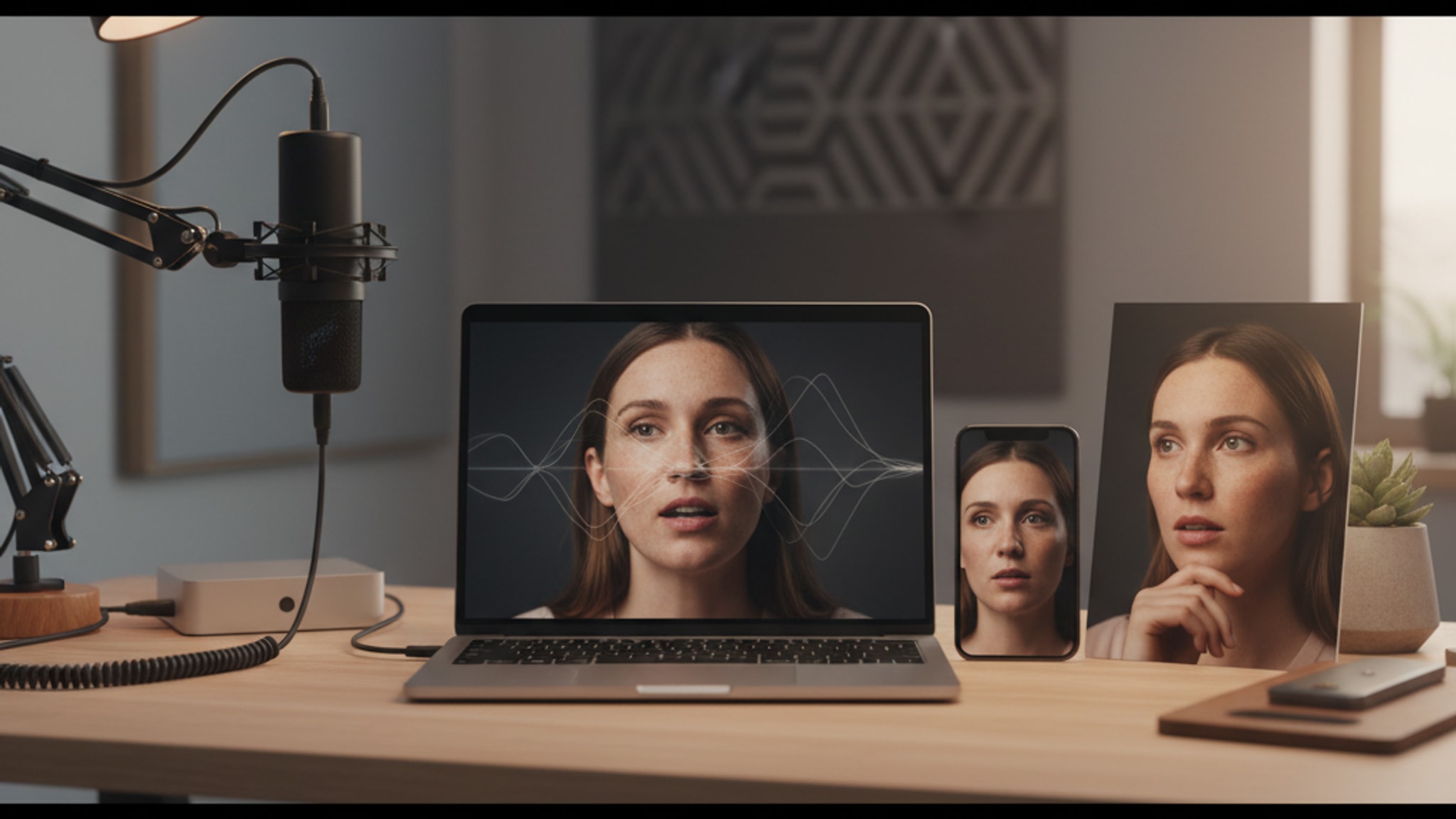
LensCherry vs Kaze AI: 5 Tests, One Clear Winner
Same 5 selfies, two AI tools, very different results. One app nailed skin tone and lighting in every test. See the side-by-side photos.
LensCherry Team
AI Photo Experts • Updated March 2026
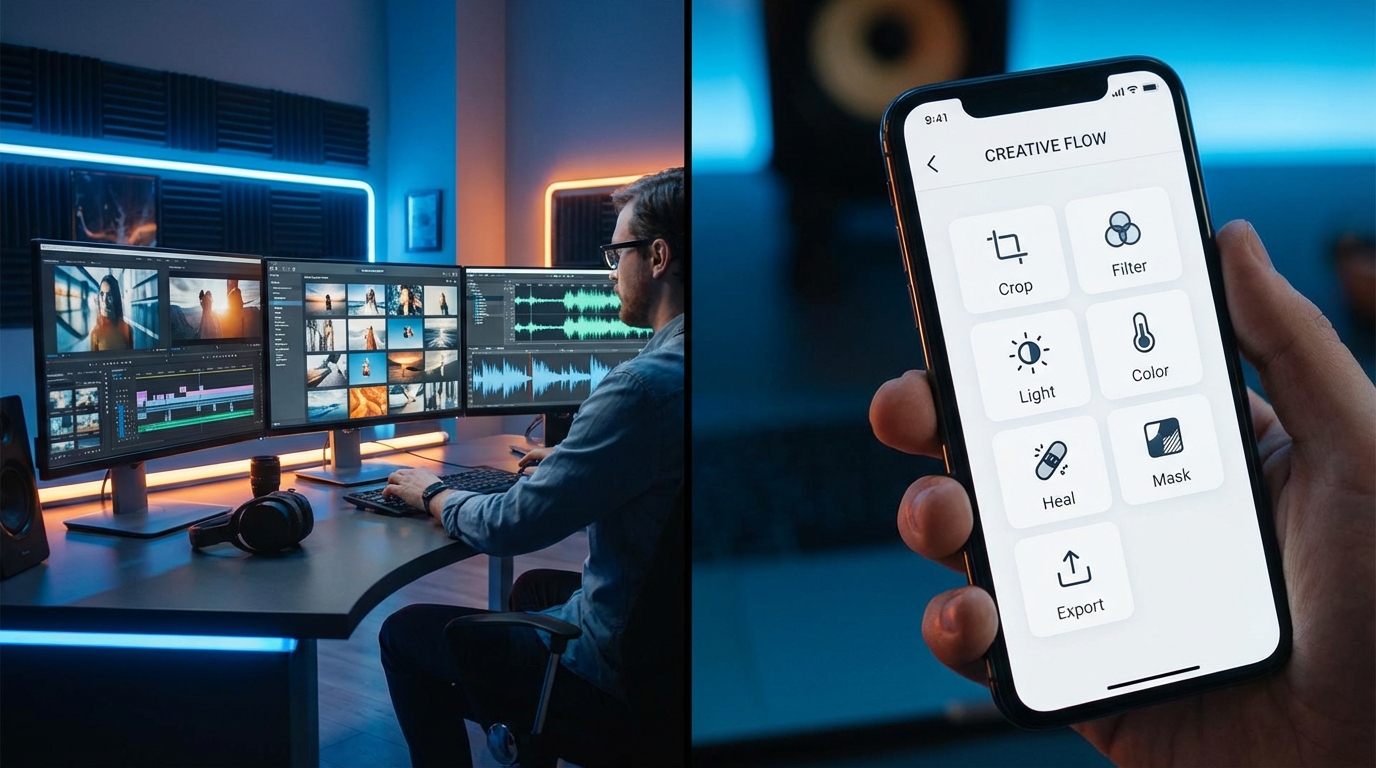
TL;DR: LensCherry and Kaze AI serve different needs: LensCherry is an AI creative studio that generates entirely new professional photos from 3-6 selfies (credit packs from $4.99), while Kaze AI is a photo editor with 12+ tools for enhancing existing images (starting at ~$8/month). Choose LensCherry for creating professional headshots, dating photos, or content from scratch; choose Kaze AI for fixing, upscaling, or restyling photos you already have.
The Creative Studio vs The Photo Editor
LensCherry and Kaze AI both use AI to help you look great in photos, but they take very different approaches. LensCherry is a creative studio that generates entirely new professional photos from a model of your face. Kaze AI is a photo editor packed with 12+ specialized tools for transforming existing images.
We built LensCherry, so we're biased. We'll be upfront about that. But we've looked closely at what Kaze offers and we genuinely think both products have their place. This comparison is meant to help you pick the right one.
If your real question is specifically about face cleanup rather than full photo generation, start with our Best AI Face Enhancement App in 2026 guide. The short version: Kaze is closer to an editor workflow, while LensCherry is closer to a replacement workflow.
Quick Comparison
| Feature | LensCherry | Kaze AI |
|---|---|---|
| Primary strength | AI photo generation + creative studio | Photo editing + transformation tools |
| Platform | Web (desktop + mobile) | Mobile app (iOS + Android) |
| Number of tools | Unified studio workflow | 12+ individual tools |
| Generation speed | ~30 seconds | Varies by tool |
| Virtual try-on | Yes | Yes (Clothes Changer) |
| Hair styling | Via prompt | Dedicated Hair Changer tool |
| Chat-based editing | No | Yes (Chat Edit) |
| Paid pricing | Credit packs from $4.99 | ~$4.99/mo (rumored) | | Personalized model creation | Yes (face consistency) | No | | Quick Shots | Yes (dozens of styles) | No | | Background changer | Yes | Yes (Background Remover) |
Where Kaze AI Wins
More Individual Tools
Kaze packs 12+ distinct tools into one app: AI Headshots, Clothes Changer, Hair Changer, Inspo Copy, Chat Edit, Background Remover, and more. If you want a dedicated tool for each specific task, Kaze has breadth on its side.
LensCherry takes the opposite approach. Instead of 12 separate tools, we built one unified studio where you describe what you want and the AI handles it. Both approaches work. The question is whether you prefer a toolbox of specialized instruments or a single powerful creative engine.
Likely Cheaper Entry Price
Kaze's pricing isn't fully confirmed at time of writing, but early indicators suggest around $4.99/month for their premium tier. LensCherry credit packs start at $4.99 with credits that never expire.
If budget is the top priority and you mainly need basic photo edits, Kaze's lower price point could be the better fit. Though it's worth comparing what you actually get at each tier.
Strong TikTok Presence
Kaze has built solid organic traction on TikTok, with users sharing before/after transformations that rack up views. Their individual tool format lends itself well to short-form content. "Watch me change my hair" and "watch me swap my outfit" videos are inherently engaging.
Mobile-First Design
Kaze was built for phones first. If you do most of your photo work on your phone and want an app you can open, tap a tool, and get a result, Kaze is designed for that workflow.
Where LensCherry Wins
Generation Quality
LensCherry runs on cutting-edge AI models that generate photos at up to 4K resolution. The output is sharp, detailed, and photorealistic. We've invested heavily in making generated photos look like real photography, not AI art.
Kaze's transformation tools apply changes to existing photos, which means the output quality depends on your input quality. Start with a low-res selfie, get a low-res result. LensCherry generates fresh, high-resolution images regardless of your input photos.
Speed: 30 Seconds, One Step
With LensCherry, you describe what you want and hit generate. One step. About 30 seconds. Done.
Kaze's multi-tool approach means you might need to use several tools in sequence: change the background in one tool, swap the outfit in another, adjust the hair in a third. Each step adds time and complexity. For quick results, LensCherry's unified workflow wins.
Trained AI Models for Consistency
LensCherry lets you create a reusable model from 3-6 reference photos. Once your model is ready, it can generate photos that consistently look like you across different styles, settings, and outfits. Business headshot today, dating profile photo tomorrow, all recognizably you.
Kaze doesn't train on your face. It transforms individual photos one at a time. There's no persistent model of "you" that maintains consistency across outputs.
One Model Behind Every Photo
LensCherry isn't a pile of one-off tools. The platform includes:
- Virtual Try-On to preview outfits before buying
- Quick Shots for one-click professional styles
- Background changes with presets or a scene you describe
- Profession-specific headshots for lawyers, doctors, and more
Kaze has more individual photo editing tools, but LensCherry goes deeper on likeness. Because every feature runs off the same saved model, a headshot, a try-on shot, and a background swap all come back as recognizably the same person.
One-Time Credit Packs
Existing users can sign in to LensCherry to create headshots, dating photos, and creative portraits. Credit packs start at $4.99 and never expire.
Pricing Breakdown
LensCherry Pricing
| Plan | Price | Credits | Key Features |
|---|---|---|---|
| Credit packs | From $4.99 | Varies by pack | Credits never expire |
Full details at lenscherry.com/pricing.
Kaze AI Pricing
Kaze's pricing structure isn't fully public as of February 2026. Based on available information, expect something around $4.99/month for premium access. We'll update this section when confirmed pricing is available.
Honest note: We can't do a fair price-per-feature comparison without confirmed Kaze pricing. If Kaze is indeed ~$5/month, that's genuinely affordable for basic photo editing. LensCherry costs more because it generates new photos at 2K/4K from a trained model rather than editing an existing image.
Use Case Recommendations
Choose Kaze AI If:
- You primarily want to edit existing photos rather than generate new ones
- You like having dedicated tools for specific tasks (hair change, clothes change, etc.)
- Budget is the top priority and you need basic photo transformations
- You prefer a mobile app over a web-based tool
- You want to make quick one-off edits to selfies and social media photos
Choose LensCherry If:
- You need professional-quality headshots for LinkedIn, business, or dating profiles
- You want one saved model powering headshots, try-on, and background changes
- Face consistency matters across multiple photos and styles
- You want to generate entirely new photos, not just edit existing ones
- You need Quick Shots for instant professional styles
- You're a content creator who needs volume and variety
- Existing users can sign in to LensCherry to create photos with their credits.
What We Don't Know About Kaze
In the spirit of honesty:
- Pricing details aren't fully confirmed. The ~$4.99 figure is based on early reports, not official pricing pages.
- Output quality on their AI headshot tool is hard to assess without extensive testing across different face types and styles.
- Privacy practices around face data and uploaded photos aren't clearly documented on their site as of this writing.
- Generation limits per plan aren't clear.
We'll update this comparison as more information becomes available.
The Bottom Line
Kaze AI is a solid photo editing toolkit with lots of specialized tools at an affordable price. It's great for quick transformations and phone-first users who want to tweak their existing photos.
LensCherry is a creative studio for generating new professional photos from scratch. It costs more, but you get 2K/4K output and consistent likeness across everything you create.
They're genuinely different products solving different problems. If you want both, you could use Kaze for quick edits and LensCherry for professional generation. They're not mutually exclusive.
Existing users can sign in to LensCherry to create headshots, dating photos, and creative portraits. Credit packs start at $4.99 and never expire.
For more comparisons, check our guides on LensCherry vs Remini, LensCherry vs Glam AI, LensCherry vs Gemini, Best AI Headshot Generators 2026, and our full comparison of every AI photo app in 2026.
Get AI-generated headshots, dating photos, and more in just 30 seconds. Try your existing LensCherry account.
Sign in