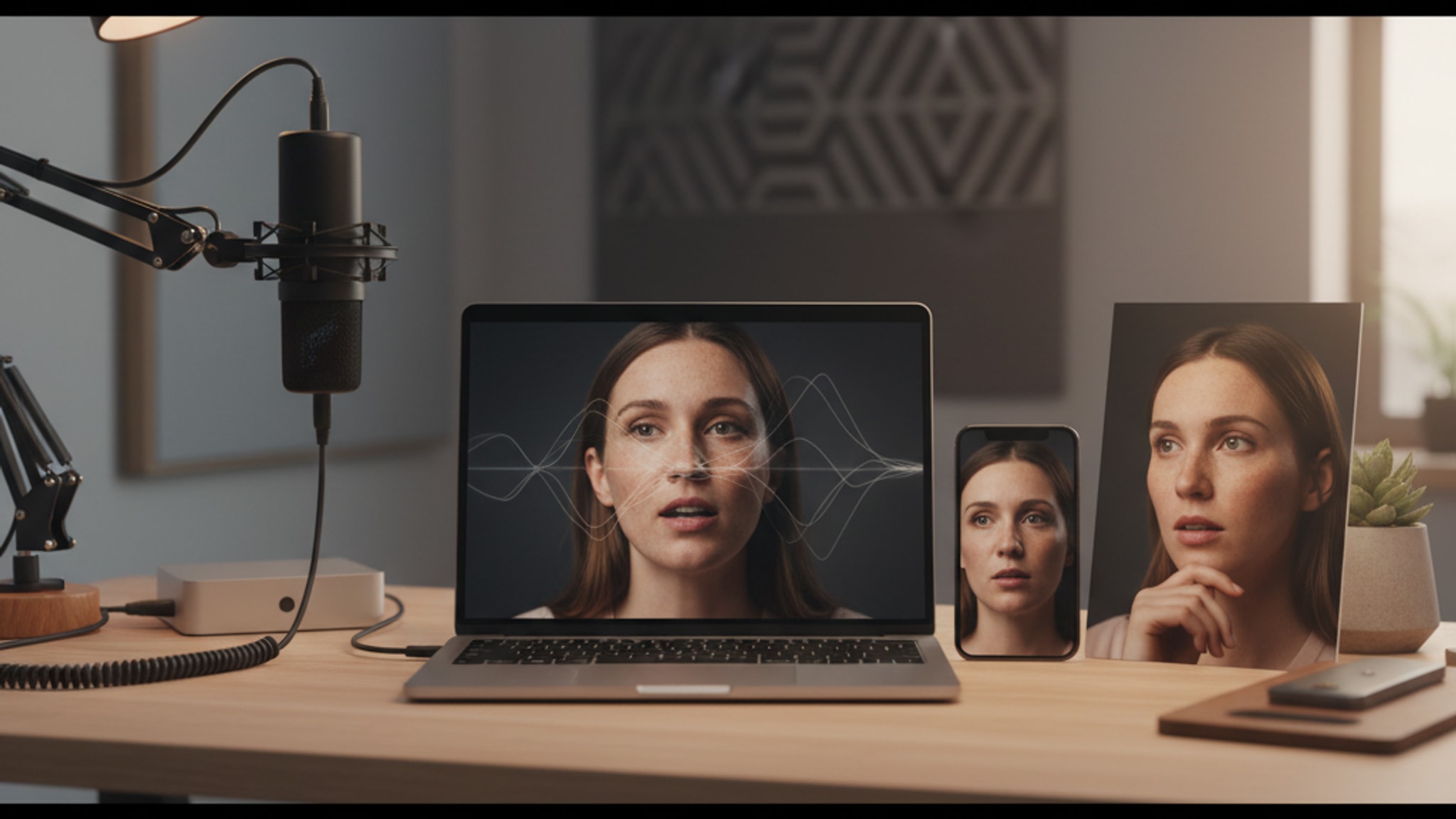
How to Get a Professional Headshot Without Leaving Home (2026)
No studio, no photographer, no pants required. 4 proven methods for remote workers to get polished headshots, from free DIY setups to 30-second AI options.
LensCherry Team
AI Photo Experts • Updated February 2026
The Remote Worker Photo Problem
You're working from home in a hoodie when an email lands: "We need updated headshots for the company website by Friday." Or you're applying for a new remote position and realize your LinkedIn photo is from 2019.
Remote workers face a unique challenge. You need professional-looking photos, but you don't have easy access to a studio, a corporate photographer, or even a coworker to snap a quick shot. You're on your own.
This guide covers every option, from DIY phone setups to AI generators, so you can look polished without leaving your home office.
Why Professional Photos Matter More for Remote Workers
When you work remotely, your photo does extra work:
- It's often the only visual impression colleagues, clients, and partners have of you
- Video calls start with your profile picture before the camera turns on
- LinkedIn profiles with professional photos get 21x more views, and that's critical when you're competing in a remote-first job market
- Trust signals are harder to build remotely. A polished photo helps bridge the gap
In an office, people see you every day. Remotely, your photo is you.
Option 1: The DIY Phone Photoshoot
You can get surprisingly good results with a modern smartphone and some preparation.
What You Need
- A phone with a decent camera (anything from the last 3-4 years works)
- A phone tripod or stable surface ($10-15 on Amazon)
- A timer or Bluetooth remote ($5-10)
- A clean background
- Natural light
Step-by-Step Setup
Lighting:
- Face a large window during the day (not direct sunlight)
- Position yourself 3-4 feet from the window
- The light should be soft and even on your face
- Avoid overhead lighting, which creates harsh shadows
Background:
- A clean wall works perfectly
- Remove clutter from the frame
- Neutral colors (white, gray, light blue) look most professional
- Hang a plain sheet or fabric if your walls are busy
Camera Position:
- Place at eye level or slightly above
- Position 4-6 feet away from you
- Use portrait mode if available
- Set a 10-second timer or use a Bluetooth shutter
Your Setup:
- Dress professionally from the waist up
- Sit or stand up straight
- Angle your body 45 degrees to the camera
- Turn your face toward the camera
- Push your chin slightly forward and down
Take a Lot of Photos:
- Shoot 50-100 frames minimum
- Try multiple expressions
- Adjust angle slightly between batches
- Review and reshoot if lighting changes
Post-Processing
- Crop to a square or 4:3 ratio
- Adjust brightness and contrast slightly
- Don't over-filter. Keep it natural
- Use a free tool like Snapseed or Lightroom Mobile
Cost: $0-25 (tripod + remote)
Time: 1-2 hours
Quality: Good (if lighting cooperates)
Option 2: Hire a Local Photographer
Even working remotely, you can find a photographer near you.
How to Find One
- Search "[your city] headshot photographer"
- Check Google Business profiles for reviews and samples
- Look on Instagram under local photography hashtags
- Ask in local community groups
What to Expect
- Mini sessions: $75-150 (15-20 minutes, 3-5 edited photos)
- Standard sessions: $150-400 (30-60 minutes, 10-20 edited photos)
- Some photographers will come to your home or suggest nearby outdoor spots
Tips for the Session
- Bring 2-3 outfit options
- Arrive rested and hydrated
- Communicate what the photos are for (LinkedIn, company site, etc.)
- Ask to see a few shots during the session to adjust
Cost: $75-400
Time: 2-4 hours (including travel and waiting for edits)
Quality: Excellent (if you choose well)
Option 3: AI Headshot Generators
This is where things have changed dramatically. AI headshot tools can produce studio-quality results from phone selfies, delivered in minutes.
How It Works
- Upload 3-6 casual photos of yourself
- Our AI analyzes your reference photos using a proprietary workflow
- It generates professional headshots in various styles
- You download your favorites
What Has Improved Recently
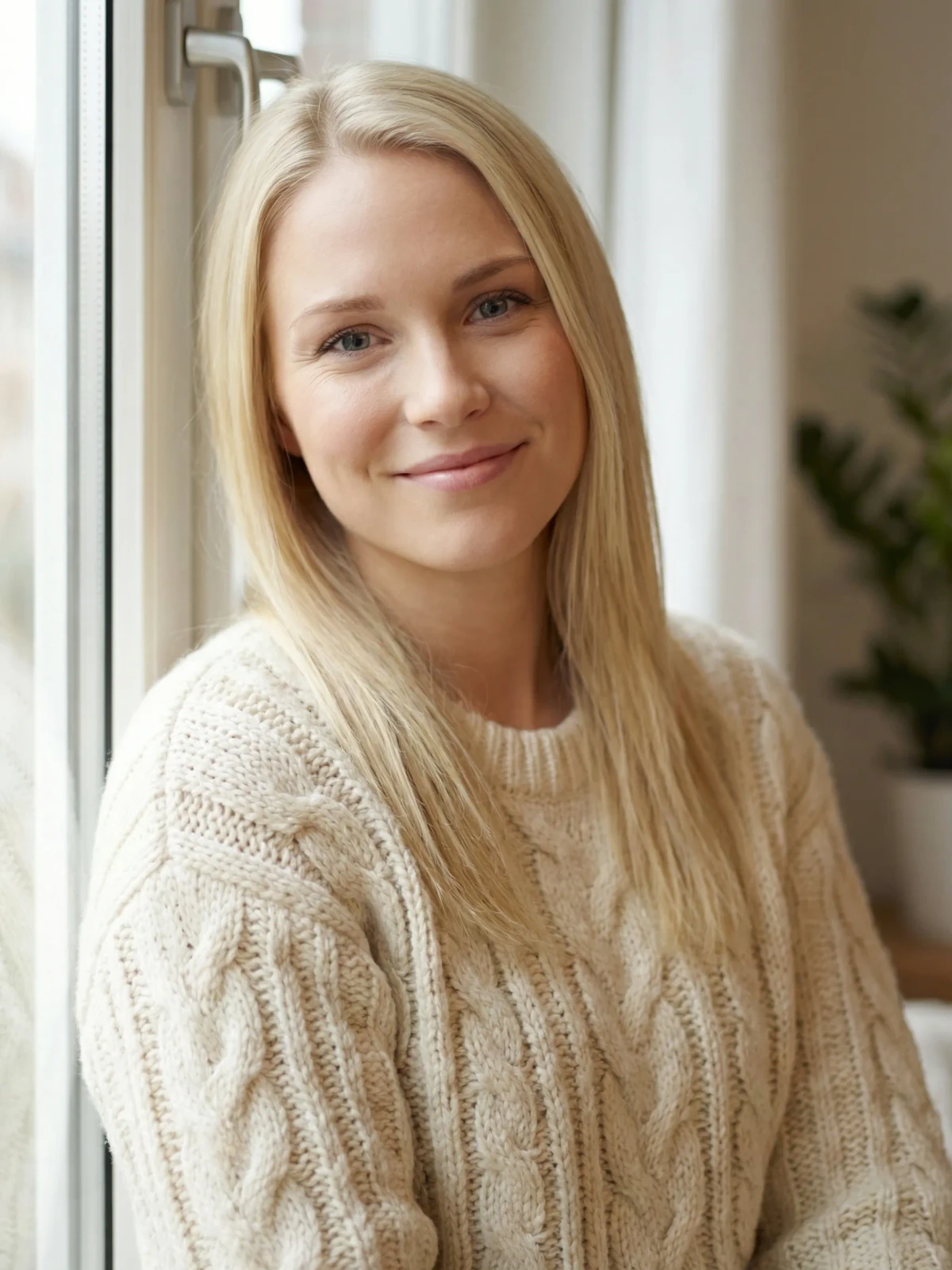
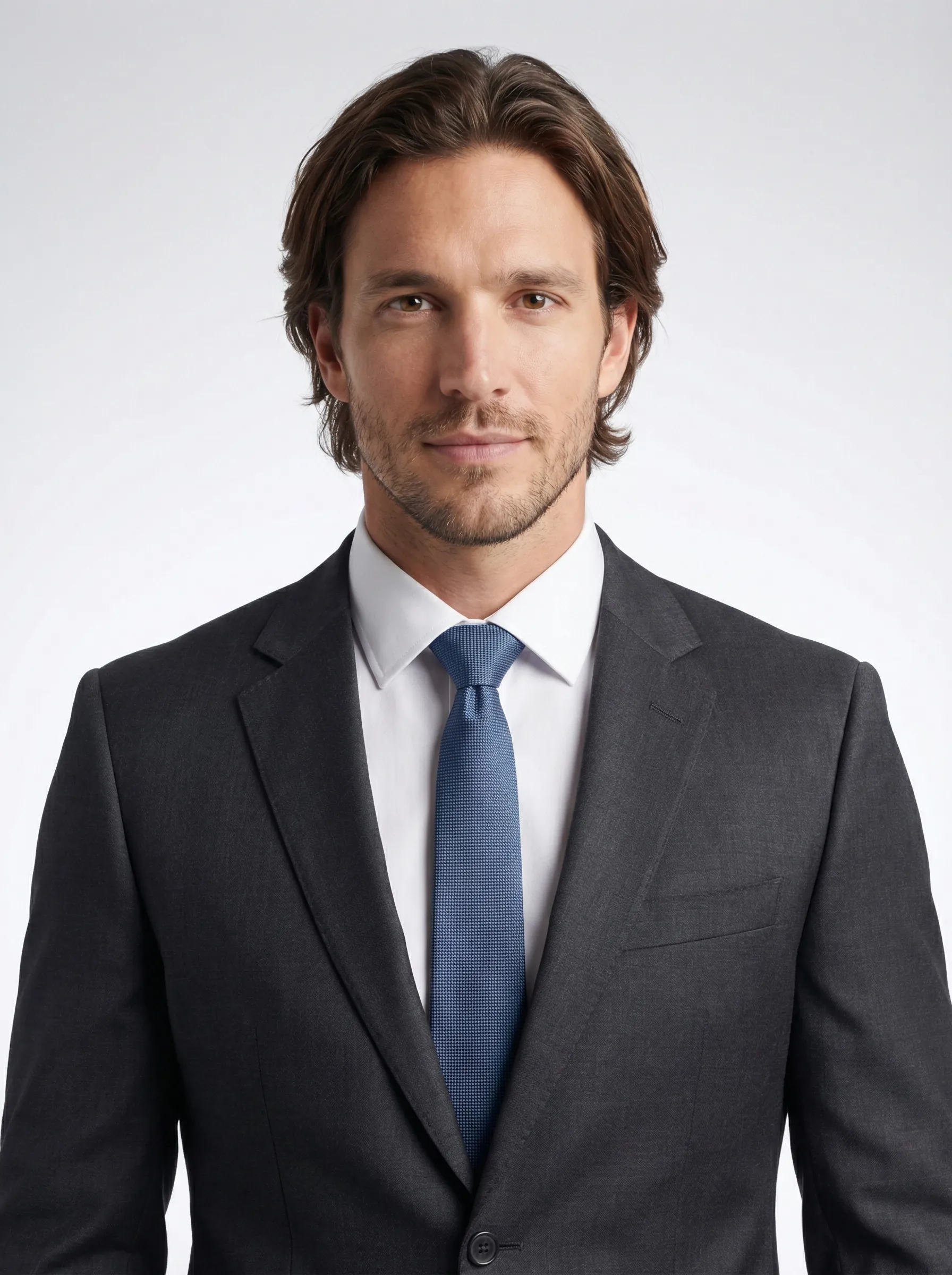
- Output is now virtually indistinguishable from real studio photography
- Generation time has dropped from hours to minutes (or seconds)
- Resolution has reached 4K
- Style variety has expanded enormously
- Virtual try-on lets you see yourself in different outfits
Best Use Cases for Remote Workers
- Quick LinkedIn update when job searching
- Company website headshots on short notice
- Consistent team photos when everyone is in different locations
- Multiple styles for different platforms (LinkedIn, Slack, company bio)
What to Watch For
- Choose results that genuinely look like you
- Avoid over-idealized outputs
- Check that the lighting and style match your professional context
- Verify the image looks natural, not overly processed
Cost: $0-29 (free tiers to subscription)
Time: 5-30 minutes
Quality: Very good to excellent
→ If you want to try this approach, our AI headshot generator creates professional photos in 30 seconds
Option 4: Video Call Screenshot (Emergency Only)
When you need something right now:
- Set up your best video call lighting (face a window)
- Open your webcam app or start a video call with yourself
- Dress professionally
- Smile naturally and capture a screenshot
- Crop and adjust
This isn't ideal, but it beats a blurry selfie or no photo at all. Think of it as a stopgap while you arrange something better.
Cost: $0
Time: 5 minutes
Quality: Acceptable (barely)
Which Platforms Need What
Different platforms have different expectations:
- Professional headshot (shoulders and above)
- Clean background
- Friendly but professional expression
- 400x400 minimum (aim for 800x800+)
- → Read our LinkedIn photo tips
Company Website / About Page
- Higher quality expected
- Should match team style if possible
- May need landscape crop
- 4K resolution recommended for flexibility
Slack / Teams / Internal Tools
- Can be slightly more casual
- Personality is welcome
- Just needs to be clear and recognizable
- Square crop, 256x256+
Email Signature
- Very small display size, so it needs to read well tiny
- Keep it simple
- High contrast helps at small sizes
Personal Website or Portfolio
- Most flexibility
- Can show more personality
- Multiple photos are acceptable
- Match the tone of your personal brand
Building a Photo Routine
Don't treat professional photos as a one-time thing. Set a recurring reminder:
- Every 12-18 months: Update your primary headshot
- Every 6 months: Review your LinkedIn photo. Does it still look like you?
- When changing jobs: Always update photos before starting interviews
- When your appearance changes significantly: New glasses, major haircut, etc.
Remote workers especially benefit from keeping photos current, since colleagues may not see the real-time changes.
Quick Decision Guide
| Situation | Best Option | Why |
|---|---|---|
| Need it today | AI generator or video screenshot | Speed |
| Job hunting | AI generator or photographer | Quality + variety |
| Company website refresh | Photographer or AI generator | Polish |
| Tight budget | DIY phone shoot or AI free tier | Cost |
| Team consistency | AI generator (same tool for everyone) | Uniformity |
| High-profile role | Professional photographer | Authenticity |
Final Thought
The bar for professional photos has never been lower to clear. Between modern phone cameras, affordable photographers, and AI tools, there's no reason for any remote worker to have a blurry, outdated, or missing profile photo.
Pick the option that fits your timeline and budget, then just do it. Your future self (and your LinkedIn visitors) will thank you.
Get AI-generated headshots, dating photos, and more in just 30 seconds. Try your existing LensCherry account.
Sign in