7 LinkedIn Photo Tips: Get 21x More Profile Views (2026 Data)
The right LinkedIn photo gets 21x more views and 36x more messages. 7 recruiter-tested fixes you can apply in under 5 minutes, no photographer needed.
LensCherry Team
AI Photo Experts • Updated February 2026

Why Your LinkedIn Photo Matters More Than Ever
In 2026, your LinkedIn profile photo is often the first impression you make on recruiters, potential clients, and professional connections. Studies show that profiles with professional photos receive 21x more views and 36x more messages than those without.
But what actually makes a LinkedIn photo effective? Here's everything you need to know.
The Ideal LinkedIn Photo Specifications
First, the technical requirements:
- Dimensions: 400 x 400 pixels minimum (LinkedIn recommends 800 x 800)
- File size: Under 8MB
- Format: JPG or PNG
- Face visibility: Your face should take up 60-70% of the frame
7 Essential Tips for the Perfect LinkedIn Photo
1. Dress for Your Industry
Your attire should match the expectations of your field:
- Finance/Legal: Formal business attire (suit, blazer), check our lawyer headshot guide
- Tech/Startup: Smart casual (collared shirt, no tie), see our consultant headshot tips
- Creative fields: Express personality while staying professional
- Healthcare: Professional attire or scrubs if appropriate, see our healthcare headshot guide
2. Choose the Right Background
The background can make or break your photo:
- Solid colors work best (gray, blue, or muted tones)
- Avoid cluttered backgrounds that distract from your face
- Office environments can work if they're tidy and professional
- Natural outdoor settings are fine but shouldn't overpower
3. Master Your Lighting
Good lighting is non-negotiable:
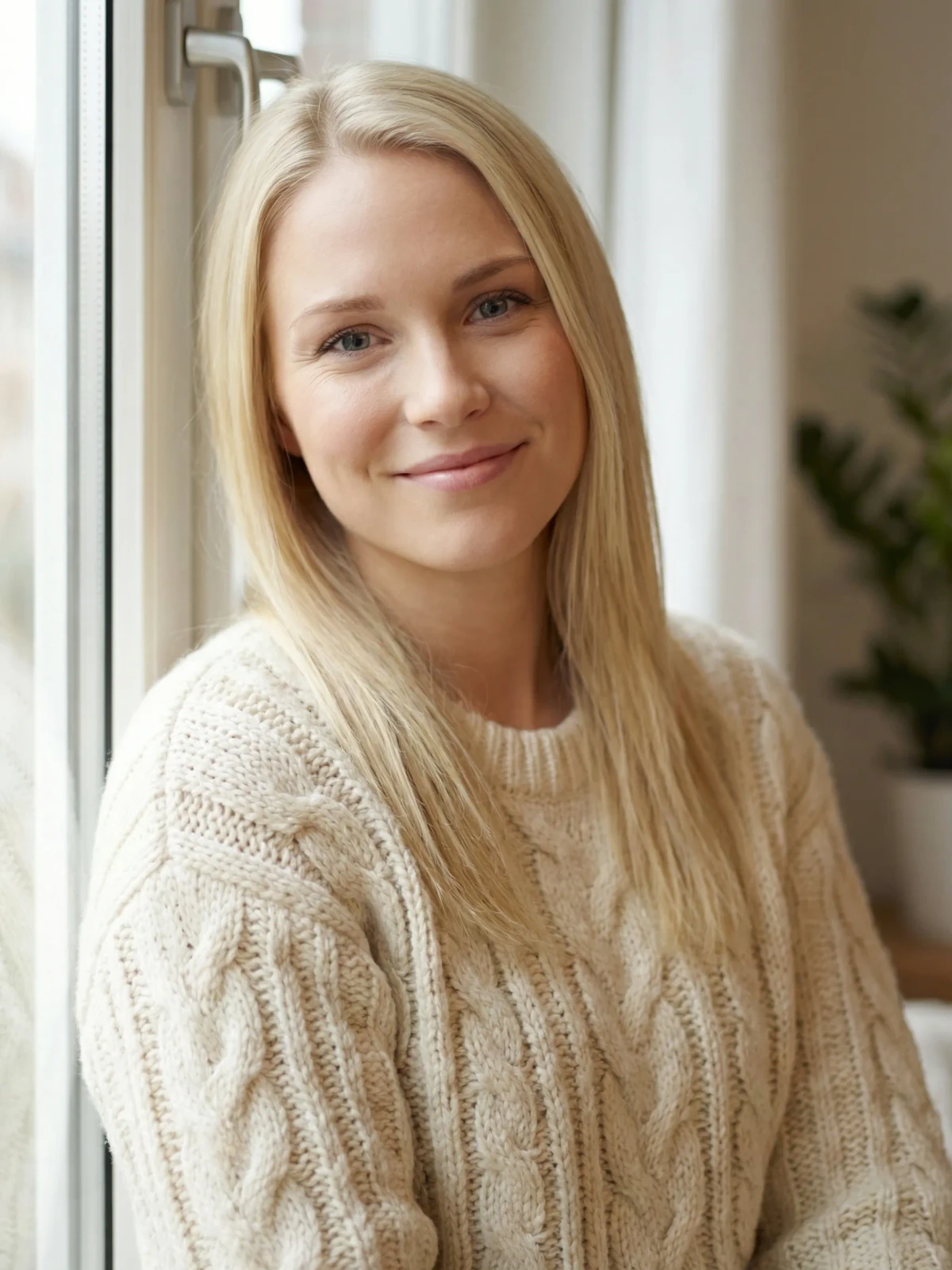
- Natural light is most flattering. Face a window.
- Avoid harsh overhead lighting that creates shadows
- No backlighting. It will make your face dark
- Soft, diffused light reduces wrinkles and blemishes
4. Perfect Your Expression
Your expression communicates approachability:
- Smile naturally. A genuine smile creates trust
- Eyes should be engaged. Avoid looking tired or distracted
- Slight head tilt can appear more friendly
- Confidence without arrogance. Approachable but professional
5. Frame Yourself Correctly
Composition matters for impact:
- Head and shoulders only. No full body shots
- Center your face in the frame
- Leave some space above your head
- Camera at eye level or slightly above
6. Use High Resolution
Quality reflects professionalism:
- Avoid pixelated images at all costs
- Don't over-crop low-resolution photos
- Modern smartphones can produce excellent quality
- Professional cameras are ideal but not required
7. Keep It Current
Your photo should look like you:
- Update every 2-3 years or after significant appearance changes
- Don't use photos from 10 years ago
- Authenticity builds trust. People want to recognize you
Common LinkedIn Photo Mistakes to Avoid
- Cropping yourself out of group photos
- Using vacation or party photos
- Wearing sunglasses or hats
- Including other people in the frame
- Using heavy filters that distort your appearance
- Low resolution or blurry images
- Inappropriate or overly casual attire
Need better options before you pick the final photo?
Create LinkedIn headshots built for the circle crop, then choose the strongest one
LensCherry helps you create a model from reference photos and generate clean LinkedIn options with stronger framing, better light, and simpler backgrounds.
One-time credit packs. Credits never expire. Useful when your current profile photo is close, but not quite right.
The AI Alternative: Professional Results in 30 Seconds
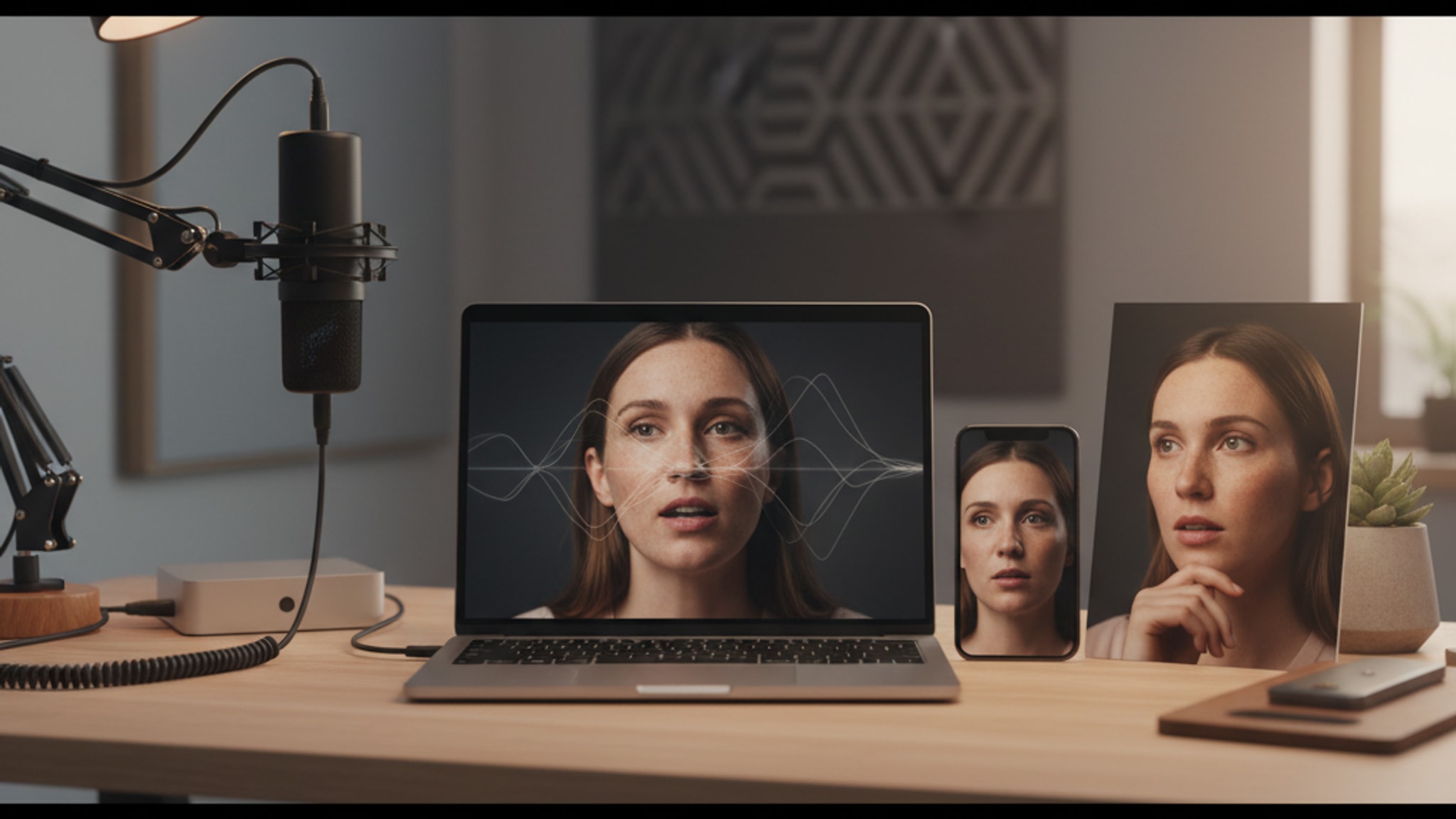
Not everyone has access to professional photography or perfect lighting conditions. That's where AI headshot generators come in.
With tools like LensCherry, you can:
- Upload a few casual selfies
- Generate studio-quality professional headshots
- Choose from multiple backgrounds and styles
- Get results in 30 seconds instead of scheduling a photoshoot
This is particularly useful for:
- Remote workers without access to professional photographers
- People who need photos quickly for job applications
- Anyone wanting multiple style options to test
Looking for industry-specific headshot tips? Check out our guides for realtors, lawyers, executives, and healthcare professionals.
Beyond Your Profile Photo
Your profile photo is just one piece of the LinkedIn visual puzzle. Your banner image matters too, and most people ignore it completely. A strong banner reinforces your personal brand and makes your profile look polished.
Getting the technical details right also helps. LinkedIn has specific size and cropping requirements for profile photos, banners, and post images. Uploading the wrong dimensions means LinkedIn crops your photo in ways you didn't intend.
And don't overlook your photo background. The right background color or setting can make your headshot pop, while a cluttered or distracting background undermines everything else.
Conclusion
Your LinkedIn photo is a crucial part of your professional brand. Whether you opt for a traditional photoshoot or leverage AI technology, the key is presenting yourself authentically and professionally.
The best LinkedIn photo is one that makes people want to connect with you.
Ready to replace the photo on your profile?
Sign in and generate LinkedIn headshots that look right at thumbnail size
Create your model from reference photos, generate several LinkedIn-ready options, and keep the one that feels current, credible, and easy to trust in search results and connection requests.
One-time credit packs. Credits never expire. Best when you need a stronger profile photo this week.