5 Best AI Talking Photo Apps in 2026 for Mobile Lip-Sync, Avatars, and Talking Head Clips
A practical mobile-first comparison of the best AI talking photo apps in 2026. See which apps are best for one-tap lip-sync, creator avatars, and polished talking-head clips, plus how to fix the source photo first.
LensCherry Team
AI Photo Experts • Updated March 2026
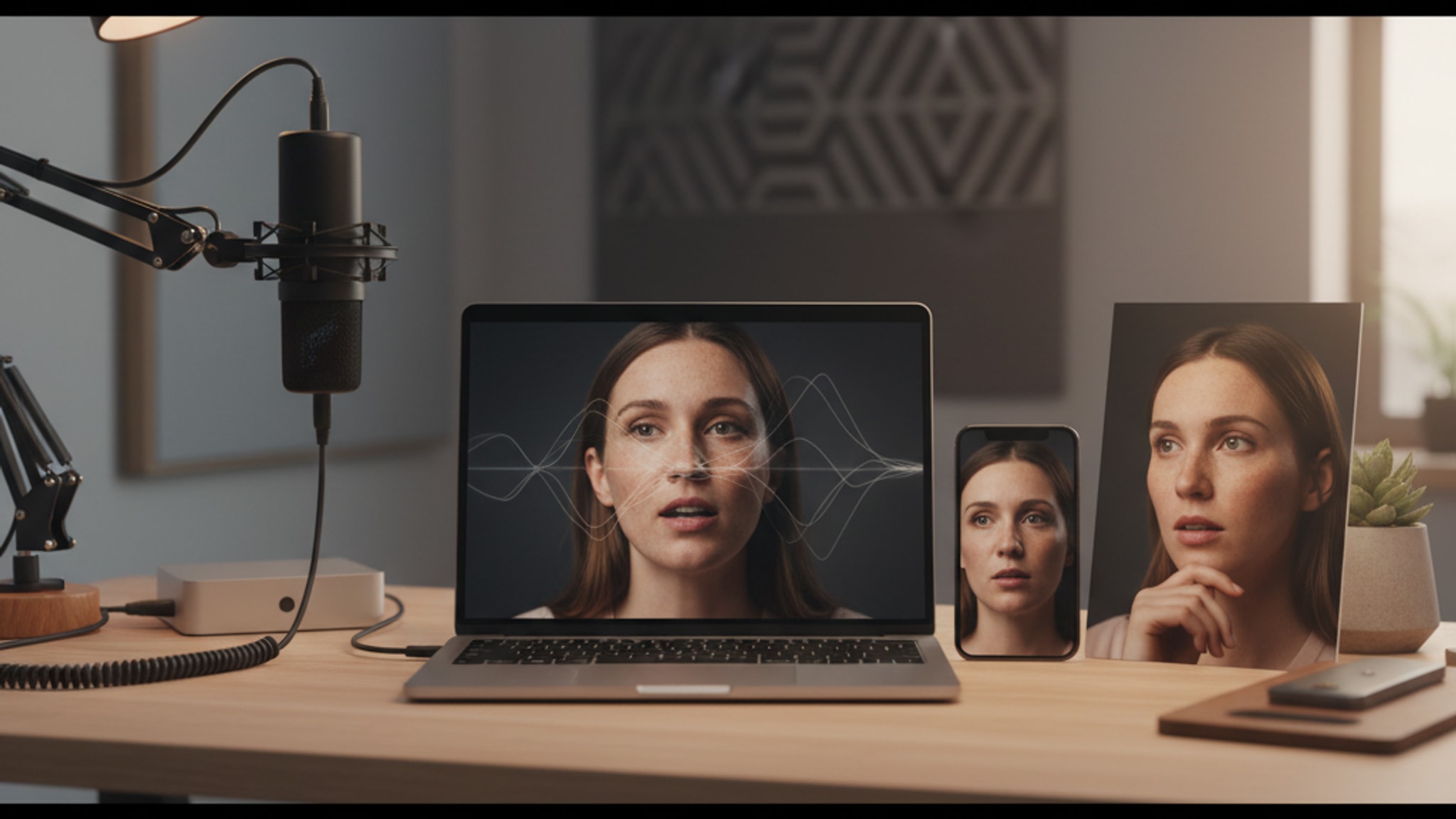
Short answer: For the fastest one-tap novelty result on mobile, DreamFace is the easiest recommendation. If you are making scripted creator videos, Captions is usually the better fit. And before you animate anything, it is worth fixing the source photo, which is the job LensCherry does: it generates the portrait, then you animate it in one of the apps below.
If you are choosing a talking photo app on mobile, the biggest thing to know is that this category mixes together three different jobs:
- one-tap novelty lip-sync
- creator avatars for social video
- polished profile-photo-to-video workflows
Those are not the same need, so the best app changes fast once you define the job.
LensCherry is our product, and it is worth being clear about what it does: LensCherry generates the still photo. It does not animate it or add voice. We included it here because a weak source image is the most common reason these clips look bad, but the animation itself happens in one of the apps below.
Last updated: March 18, 2026
Best AI Talking Photo Apps in 2026
- Best overall for most people: DreamFace
- Best for creator avatar videos: Captions
- Best browser-based talking photo tool: Vidnoz
- Best for funny meme-style photo animation: Revive
- Best for simple face-animation experiments: TokkingHeads
- Best for fixing the source photo first: LensCherry (generates the portrait; does not animate it)
Quick Comparison Table
| App | Best For | Mobile Fit | What It Does Best | Watch Out For |
|---|---|---|---|---|
| LensCherry | The source photo, before you animate it | Strong on mobile web | Generate a stronger headshot from selfies, then take it to any app below | Does not animate photos or generate voice, so you still need one of the tools below |
| DreamFace | Fast lip-sync and template-heavy talking photo output | Native mobile feel | Quick animations, songs, trend-style templates, low-friction fun | The still image quality usually matters less than speed, so results can feel disposable |
| Captions | Scripted avatar videos for creators | Excellent for creators | Talking avatars, script-first workflow, social-ready editing | More creator-oriented than casual if you only want a single talking face clip |
| Vidnoz | Browser-based talking photos and simple avatar videos | Good in mobile browser | Accessible web workflow, talking photo generation, easy starter path | Feels broader and less portrait-focused than the best dedicated photo tools |
| Revive | Meme clips and funny animated portraits | Very easy | Novelty animations, expressive faces, fast experiments | Best for fun, not for polished professional use |
| TokkingHeads | Simple "make this face move" experiments | Works, but feels older | Straightforward face animation concept | Less compelling if you want modern creator polish or a stronger source photo |
The Real Decision: Animate a Good Photo or Rescue a Weak One?
Most people search for a talking photo app when the real problem is one of these:
1. "I want a fun talking-face clip right now."
Pick DreamFace or Revive.
2. "I want a creator avatar that can speak from a script."
Pick Captions or Vidnoz.
3. "I need the photo itself to look stronger before it starts moving."
Start with LensCherry, then animate the result in one of the apps above.
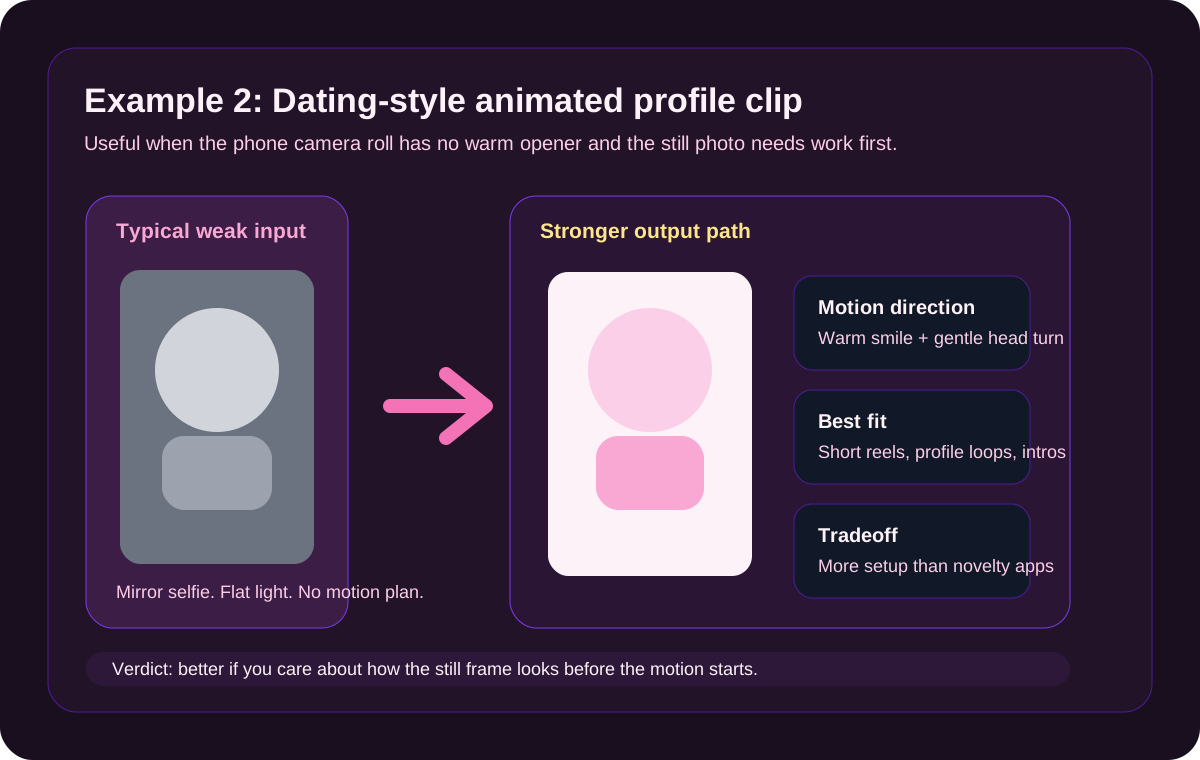
That third group is where most comparison pages get lazy. A lot of talking-photo apps assume your starting image is already good enough. But if the original selfie is badly lit, badly framed, or just not good enough for LinkedIn, a founder intro, or a clean profile reel, then the smartest move is to fix the photo first.
That is the step this comparison exists to flag. Fix the photo, then pick whichever animation app fits your use case.
Need the still photo to look better before it starts moving?
Create a stronger source photo first, then take it to any talking-photo app
LensCherry is strongest when your current selfie is too weak for a polished talking-photo result. Build the portrait here, then animate it wherever you like.
Best fit for LinkedIn intros, founder profiles, and creator profiles where the first frame still needs to look professional.
Before You Animate: LensCherry (the source photo step)
Best if the talking photo needs to start from a better photo, not just a moving one.
LensCherry is not a talking-photo app and does not belong in the ranked list below. It is an AI creative studio that generates the still portrait. There is no animation and no voice generation in it.
We include it because of the order most people get wrong:
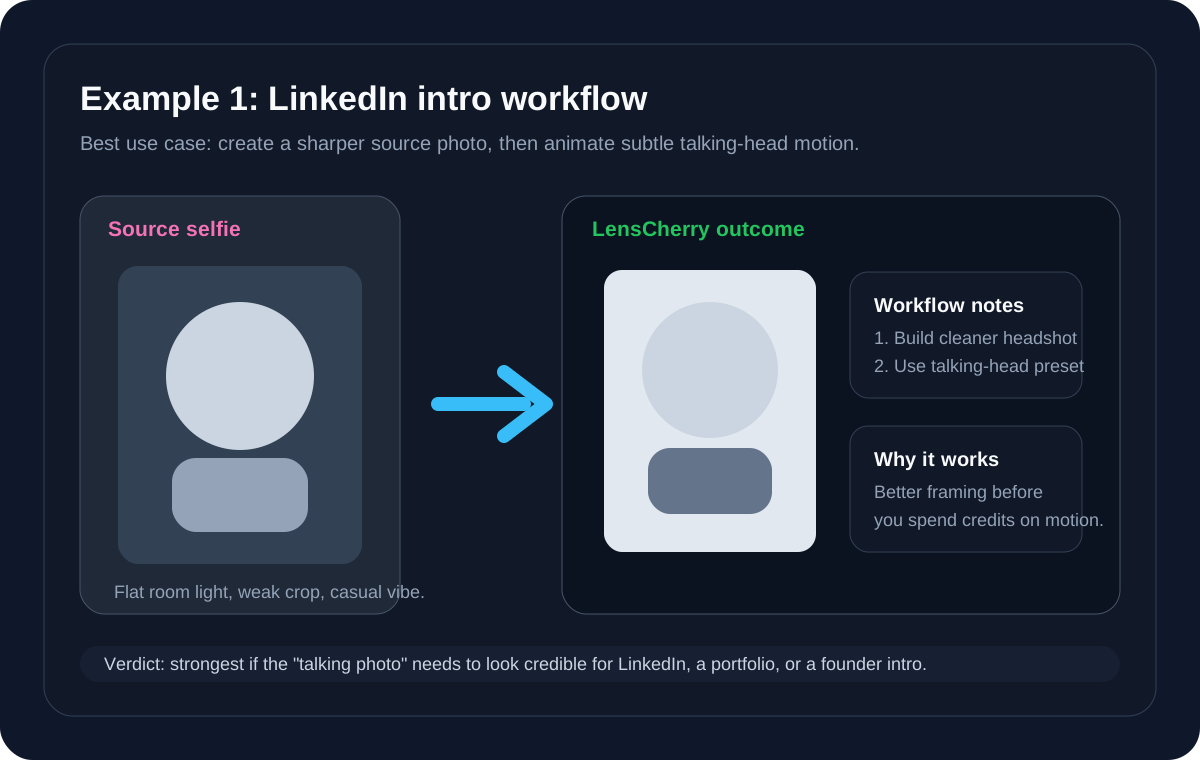
- create a stronger source photo from selfies (LensCherry)
- animate that photo in a talking-photo app (the five tools below)
If the final clip is supposed to help you look more professional, more credible, or more on-brand, that order matters. Animation amplifies whatever the still image already is.
Why the source photo step matters
- You can create a better portrait before spending time on motion
- It fits naturally with professional headshots, creator portraits, and profile-photo workflows
- The same base photo workflow can feed LinkedIn, personal-site, dating, and creator use cases
- It is the best fit if you want the clip to look like part of a broader brand or profile system
Best for
- founder intros
- profile clips
- portfolio hero shots
- creator profile loops
- "I need this photo to look good before it talks" use cases
Not best for
- people who only want a one-tap song or meme animation
- users who do not care much about the starting photo quality
- anyone looking for the animation step itself, which LensCherry does not do
If you are still shopping across the broader category, pair this page with our Best AI Photo Apps in 2026 guide.
1. DreamFace
Best for fast one-tap talking-photo fun on mobile.
DreamFace is the cleanest recommendation when the intent is speed and novelty. It is usually easier to recommend than a broader studio workflow when somebody wants the classic "make this face sing, talk, or animate" experience.
Best for
- lip-sync clips
- trend-style short videos
- casual social sharing
- fast experiments from a single photo
Tradeoff
DreamFace is often strongest when realism is not the whole point. If you are trying to create a polished profile clip, the result can still feel like an effect layered over a weak input image.
2. Captions
Best if the talking photo is really a creator-avatar workflow.
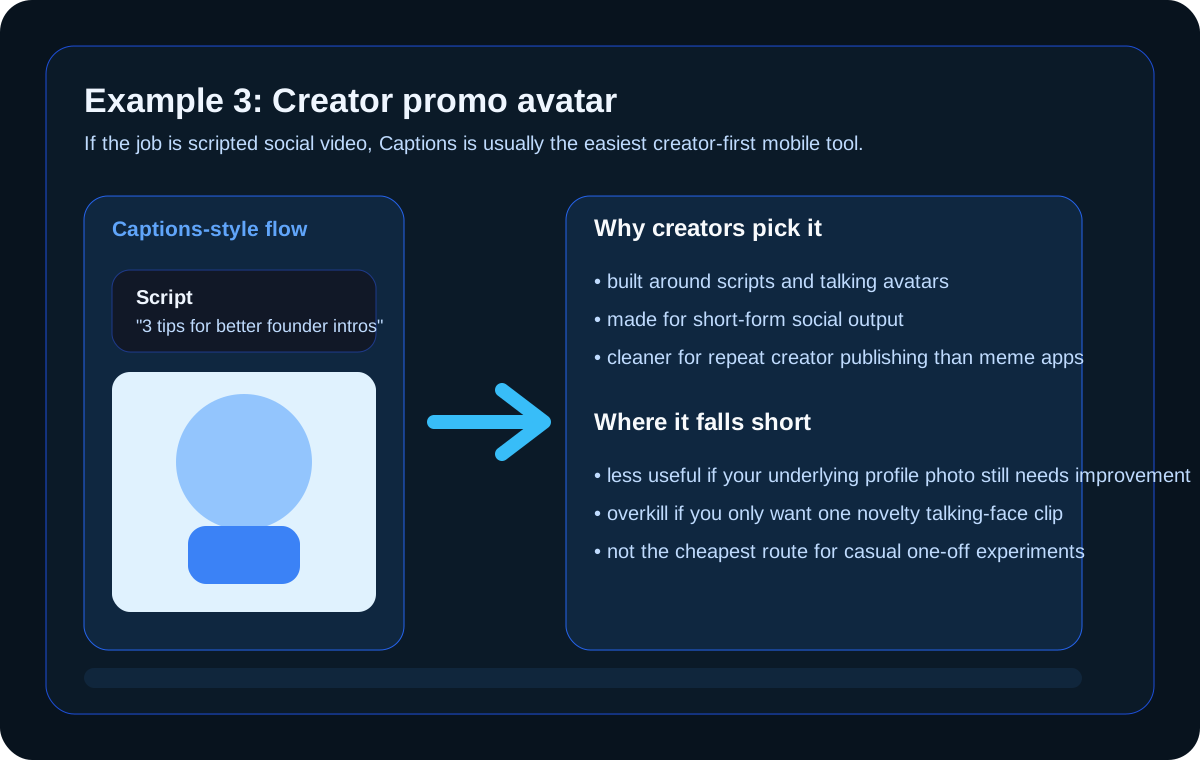
Captions belongs here because many people searching for a talking photo app are really trying to make scripted short-form video without filming themselves.
That is a different job than novelty photo animation.
Best for
- creators making scripted social videos
- founder or expert content
- recurring talking-avatar posts
- teams who care about output more than novelty
Tradeoff
Captions is more creator-focused than photo-first. If the portrait itself needs a quality upgrade, you may still want to create that stronger image elsewhere first.
3. Vidnoz
Best browser-based option if you want a lightweight talking-photo tool without committing to a full mobile app workflow.
Vidnoz makes sense for people who want a web path instead of downloading another app. That can be useful for quick tests, simple talking avatars, or starter experiments from a phone browser.
Best for
- quick browser-based tests
- simple talking photo output
- users who prefer web tools to app installs
Tradeoff
Vidnoz is practical, but it feels broader and less portrait-opinionated than the strongest photo-first workflows.
4. Revive
Best for funny meme-style talking portraits.
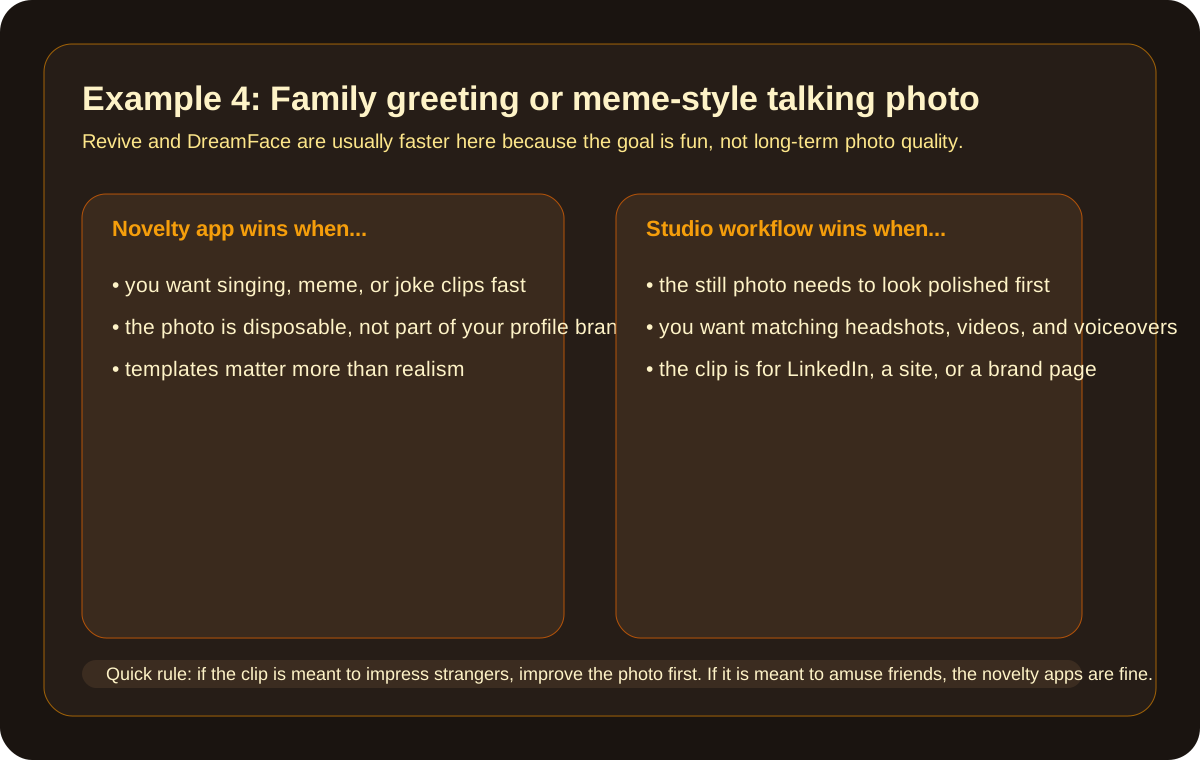
Revive is the easy recommendation when the point is entertainment. It is less about polished delivery and more about turning a face into something expressive, exaggerated, or funny quickly.
Best for
- joke clips
- greetings
- meme content
- friends-and-family sharing
Tradeoff
If the clip is meant for your profile, site, or business presence, Revive is usually not the tool to anchor the workflow around.
5. TokkingHeads
Best for simple face-animation experiments if you mostly want to see a still image move.
TokkingHeads still fits the category if your bar is simply "make this portrait animate." It can be useful for experiments, but it feels less modern than the best current mobile-first options.
Best for
- quick animation tests
- curiosity-driven use
- older photo-animation workflows
Tradeoff
It is harder to recommend if you want the polish of a creator tool or the stronger input-photo workflow that LensCherry gives you.
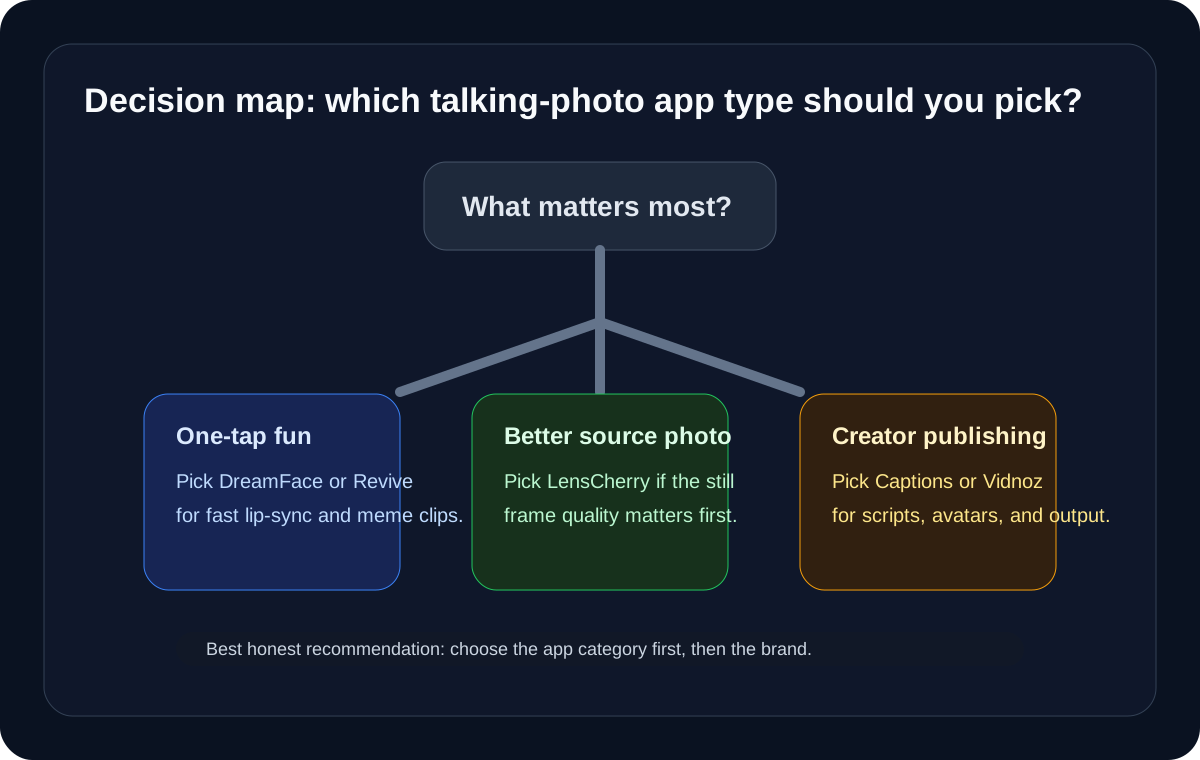
Which Talking Photo App Should You Choose?
Use this short rule:
- Start with LensCherry if the photo itself still needs improvement, then animate the result below
- Choose DreamFace if you want quick one-tap talking-photo fun
- Choose Captions if your real goal is creator-avatar video
- Choose Vidnoz if you want a browser-based starter tool
- Choose Revive if the clip is mainly for memes, greetings, or jokes
- Choose TokkingHeads if you just want to experiment with face animation
Talking Photo Use Cases That Matter on Mobile
Best talking photo app for LinkedIn or founder intros
Fix the portrait in LensCherry first if the still photo does not look credible yet, then animate it in Captions or DreamFace.
Best talking photo app for TikTok or Reels avatar content
Choose Captions if the clip is script-led and creator-first.
Best talking photo app for fun lip-sync clips
Choose DreamFace or Revive if speed matters more than polish.
Best talking photo app if you only use your phone browser
Choose Vidnoz.
FAQ
What is the best AI talking photo app in 2026?
For most people, the answer depends on the job. DreamFace is the best all-round pick for fast one-tap lip-sync. Captions is better for scripted creator-avatar videos. If the underlying photo is the weak link, generate a stronger one in LensCherry first, then animate it in either.
Which talking photo app is best on mobile?
If you want the fastest novelty result, DreamFace or Revive are the easiest mobile-style picks. If you create social videos from scripts, Captions is the better creator tool. LensCherry runs well on mobile web too, but it produces the still photo rather than the clip.
What is the difference between a talking photo app and an AI photo-to-video tool?
A talking photo app usually focuses on making a face appear to speak or animate from one image. An AI photo-to-video tool is broader and can add motion, camera movement, and scene changes even when the goal is not explicit lip-sync. LensCherry is neither: it generates the still portrait those tools start from.
Can I use a talking photo app for LinkedIn or a business intro?
Yes, but the photo quality matters more than most people think. If the starting portrait looks weak, the motion will not save it. That is why source-photo-first workflows usually win for professional use.
Which app is best for meme or greeting-card clips?
Usually Revive or DreamFace. They are faster when the clip is meant to be playful instead of polished.
Should I use the same app for headshots and talking photos?
No, and most people should not try. Photo generation and animation are different jobs, and the tools that are best at each are different. Generate the portrait in a photo tool like LensCherry, then animate it in a dedicated talking-photo app.
Final Take
There is no single best talking photo app for every mobile use case.
If your goal is fun, fast, and disposable, the novelty apps are still the right answer. If your goal is a better-looking profile clip, creator intro, or founder-style talking head, the smarter move is usually to improve the source photo first and then animate it. DreamFace and Captions are the strongest animation picks here; LensCherry is where you fix the photo before you get there.
For adjacent comparison shopping, also read Best AI Photo Apps in 2026, Best AI Selfie Editor Apps in 2026, and our Best AI Face Enhancement App in 2026 guide.