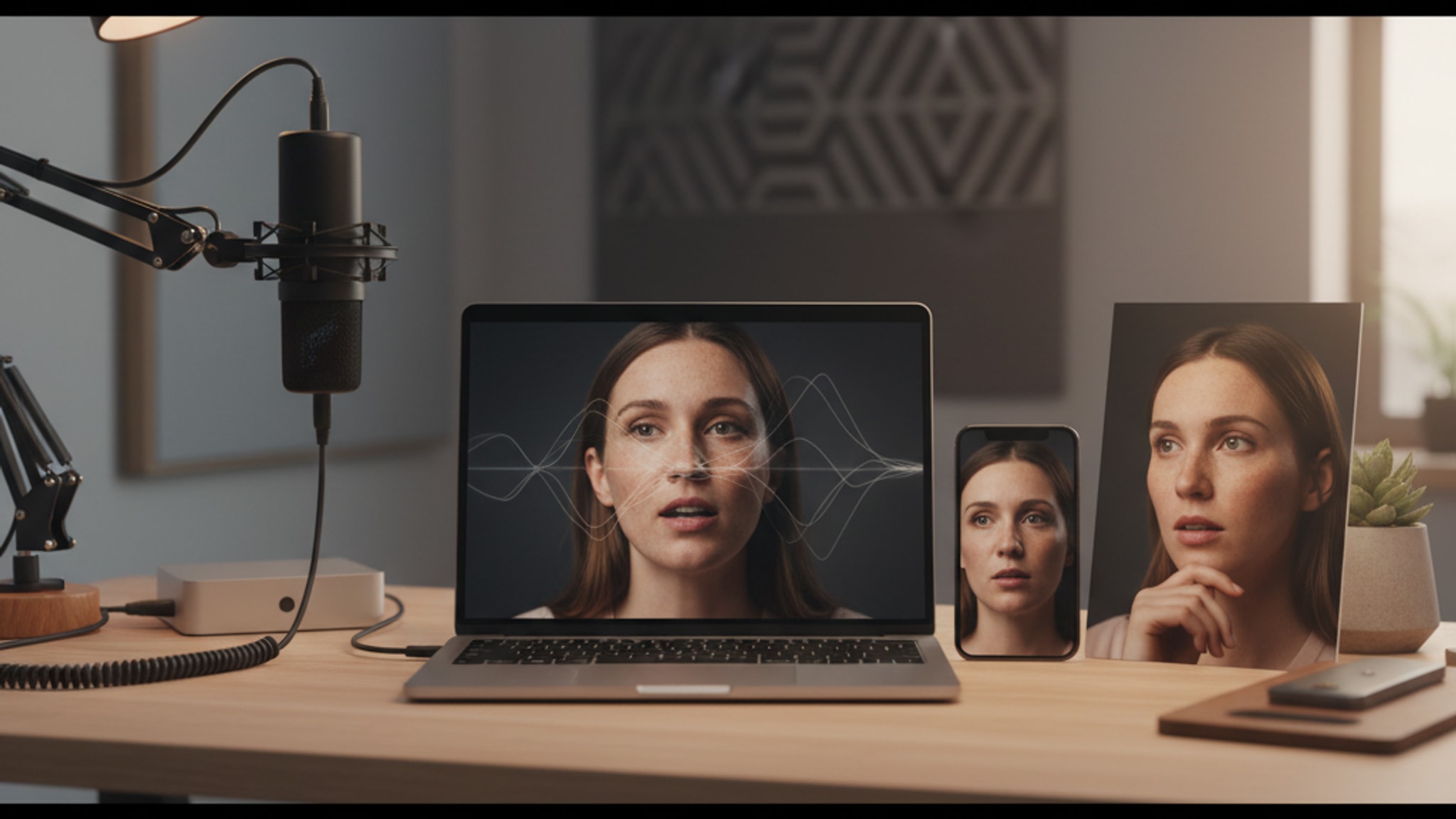
Best AI Face Enhancement App in 2026: Fast Answer, Top Picks, and When to Skip Enhancement
Looking for the best AI face enhancement app in 2026? Fast answer: Remini is the best pure face enhancement app for blurry portraits, while LensCherry is better when the whole photo needs replacing.
LensCherry Team
AI Photo Experts • Updated March 2026
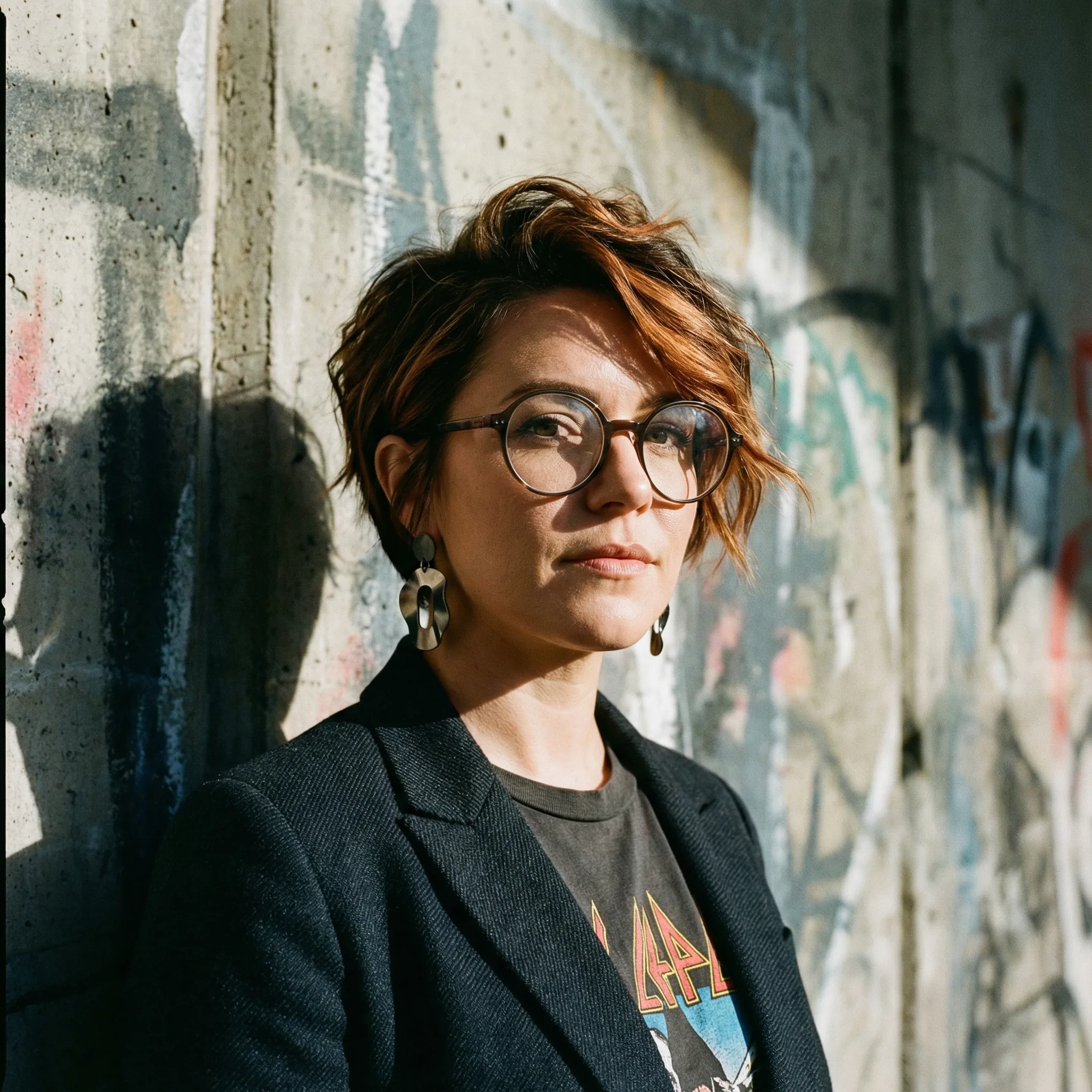
If you searched for "best AI face enhancement app," the short answer is simple: Remini is the best pure face enhancement app in 2026 if you already like the photo and just need the face to look sharper. If the whole image is weak, badly lit, badly framed, or just not professional enough, skip the enhancer loop and use LensCherry to make a better photo instead.
That rescue-vs-replace distinction is the entire article. Most people are not choosing between seven identical enhancers. They are choosing between saving an okay photo and replacing a weak one.
The Fast Answer
- Best pure AI face enhancement app: Remini
- Best browser-based cleanup tool: Fotor
- Best if the image is going straight into a design: Canva
- Best if you already use Adobe tools: Adobe Express
- Best mobile editor with face cleanup: Picsart
- Best for restoring old family photos: Face26
- Best if the photo is beyond saving: LensCherry
That last point matters more than any feature list. A lot of people are trying to enhance the wrong photo. Sometimes the correct answer is not "clean up this weak selfie." It is "make a better headshot from scratch."
Best AI Face Enhancement Apps Compared
| App | Best for | Why it wins | Skip it if |
|---|---|---|---|
| Remini | Blurry portraits and low-quality faces | Strongest focused face-detail recovery | You need a brand new photo, not a rescued old one |
| Fotor | Fast browser cleanup | Simple one-click enhancement without a heavy workflow | You want deeper editing or restoration |
| Canva | Design-first workflows | Easy to enhance, crop, and drop into resumes, decks, or banners | You need the strongest face recovery |
| Adobe Express | Adobe-heavy teams | Good if enhancement is one step in a bigger edit/export flow | You only want the fastest face fix |
| Picsart | Mobile-first editing | Good all-in-one phone editor with face cleanup | You want business-ready results from a very weak photo |
| Face26 | Old family photos | Better fit for restoration than profile-photo polish | You are upgrading LinkedIn or dating photos |
| LensCherry | Replacing a weak profile photo | Best when lighting, crop, outfit, and background all need improvement | You only need to sharpen one decent image |
What a Face Enhancer Should Actually Fix
A decent AI face enhancer should improve one or more of these:
- softness or blur
- compression artifacts
- low light mushiness
- weak skin detail
- old-photo damage
- slightly awkward color or exposure
It should not turn you into a wax figure.
The best tools clean up the image while keeping you recognizably human.
1. Remini
Best for: blurry portraits, soft phone photos, and low-quality faces that already belong in an otherwise usable photo
If you want the direct answer, Remini is still the best AI face enhancement app for most people. It is the clearest recommendation when the real problem is blur, softness, or low-resolution facial detail.
If the photo is already framed well and the only issue is that your face looks mushy, this is where Remini earns its reputation.
Where Remini is strongest
- sharpening facial details
- bringing back definition in old or low-res portraits
- quick before-and-after improvement with very little setup
- rescuing profile photos that are close to good enough already
Where it falls short
- it does not solve a bad composition
- it cannot invent a truly better professional headshot
- if the original photo is badly framed, it still feels like the same weak photo
Use Remini when you already have the photo and it just needs to look better.
2. Fotor
Best for: quick browser cleanup when you want a simple answer and not a full editing suite
Fotor sits in a useful middle ground. It is faster to try than heavier editors, easier to understand than pro tools, and good enough for a lot of routine face cleanup jobs.
Where Fotor is strongest
- soft profile-photo cleanup
- one-click browser-based enhancement
- quick polishing before posting or uploading
Where it falls short
- it can get too smooth if you keep pushing it
- it is less convincing on badly damaged or extremely blurry images
- it is more of a practical cleanup tool than a specialist recovery app
If you want fast improvement without building a bigger workflow, Fotor is the simplest browser pick.
3. Canva
Best for: enhancing portraits that will immediately go into LinkedIn banners, decks, resumes, or other designs
Canva is not the strongest pure face enhancer on this list. It is here because it is incredibly practical.
Canva makes sense when
- the image needs to be dropped into a design right away
- you want one place for enhancement, layout, and export
- your workflow already lives in Canva
Canva is weaker when
- you need aggressive face recovery from a very blurry image
- you want a tool built mainly for portrait cleanup
4. Adobe Express
Best for: quick enhancement inside a broader Adobe-friendly workflow
Adobe Express makes sense if enhancement is only one step in a bigger edit. Crop, resize, clean up the face, remove the background, add text, and export without switching tools.
Where Adobe Express is strongest
- cleanup inside one browser workflow
- easy integration with resize and background tools
- practical for teams already using Adobe products
Where it falls short
- it is less specialized than Remini for pure face recovery
- if your only goal is "make this face sharper," it can feel like more interface than you need
- it is better as a workflow tool than a face-rescue specialist
5. Picsart
Best for: mobile users who want face enhancement plus regular editing tools
Picsart is useful when you want AI help, but you still want the rest of the editing stack too.
Strong fit for
- mobile-first creators
- casual social edits
- face cleanup plus text, crop, or visual effects in one app
Less ideal for
- serious restoration work
- the cleanest professional headshot outcome
6. Face26
Best for: restoring old faces in family photos and worn portraits
Face26 is most useful when the job is restoration, not personal branding. If you are dealing with older prints, damaged portraits, or family photos that need detail brought back, it makes more sense than a headshot app.
Best use cases
- old family photos
- low-resolution historical portraits
- worn photos where the face detail is the main problem
7. LensCherry
Best for: replacing a mediocre profile photo with a better one instead of endlessly enhancing it
LensCherry is different from the tools above. It is an AI Creative Studio, not a simple enhancer.
That means it is usually the wrong pick if you just want to sharpen one blurry selfie.
It is the right pick when:
- your current photo is badly lit
- your crop is weak
- your outfit is wrong
- your background is messy
- you need a real headshot for LinkedIn, your website, or a dating app
In that situation, enhancement is often the wrong strategy. You are polishing a photo that was never strong enough to begin with.
With LensCherry, you create your model from reference photos, then generate a stronger image with:
- cleaner framing
- better lighting
- better outfit direction
- better background options
If the source photo is fundamentally weak, that is often a better use of time than trying to rescue it.
How to Choose in 30 Seconds
Use this four-step filter:
- Keep the current photo only if you already like the crop and background.
- Use Remini or Fotor if the face is soft but the rest of the image works.
- Use Face26 if the job is old-photo restoration.
- Use LensCherry if you actually need a stronger LinkedIn, website, or dating photo.
That is the shortest honest answer to the best AI face enhancement app question in 2026.
Choose an Enhancer vs Choose a Generator
Use this rule:
Choose a face enhancer if:
- you already like the photo
- the composition is fine
- the face is just too soft, dark, or compressed
Choose a generator like LensCherry if:
- the photo is badly lit
- the outfit is wrong
- the background is weak
- the whole image feels low effort
This is the decision most people skip, and it is why they keep bouncing between apps without getting a result they actually want to use.
The Biggest Mistake People Make
They over-enhance.
The fastest way to make a portrait look fake is to keep running enhancement until every pore disappears and the eyes look painted on.
Better rule:
- enhance once
- compare with the original
- stop when the face looks clearer, not "perfect"
If the face still is not usable after that, the tool is not the problem. The photo is.
Best Picks by Situation
My LinkedIn photo is blurry, but otherwise okay
Start with Remini or Fotor.
I need to resize and design around the photo too
Use Canva or Adobe Express.
I mainly edit on my phone
Use Picsart.
I am restoring old family photos
Use Face26.
My current photo is just not good enough
Use LensCherry and make a better one.
What This Means for LinkedIn and Profile Photos
If the photo is for LinkedIn, a company bio, or a speaker page, ask one blunt question: would you use the current image if the face were 20% sharper?
- If the answer is yes, start with Remini.
- If the answer is no, use LensCherry and create a stronger headshot.
This is the exact fork most people miss. Face enhancement can fix softness. It cannot fix a lazy crop, weird posture, or a messy room behind you.
Final Verdict
There is no single best AI face enhancement app for every job.
If you are rescuing a soft or blurry portrait, Remini is still the best place to start.
If you need a browser-based all-rounder, Fotor is a solid practical choice.
If your photo is not just blurry but fundamentally weak, skip the enhancer loop and make a better headshot instead. That is where LensCherry becomes the better answer.
For broader comparison shopping, also read Best AI Photo Apps in 2026, Best AI Headshot Generators in 2026, and LensCherry vs Kaze AI.
Frequently Asked Questions
What is the best AI face enhancement app in 2026?
For most people, Remini is the best pure face enhancement app in 2026 because it is strongest when you already have a decent photo and need the face to look sharper. If the whole photo is weak, LensCherry is the better tool because it helps you replace the image with a stronger headshot.
What is the difference between a face enhancement app and an AI headshot generator?
A face enhancement app improves a photo you already have. An AI headshot generator helps you create a better photo altogether from reference selfies. One rescues. The other replaces.
Can a face enhancement app fix a bad LinkedIn photo?
It can fix blur, softness, and low-resolution facial detail. It cannot fix a messy background, bad framing, or the wrong outfit nearly as well as generating a stronger new headshot can.
Which app is best for old family photos?
Face26 makes more sense for old family photos and worn portraits than profile-photo tools built around modern headshots.
How do I avoid making my face look fake?
Enhance once, compare with the original, and stop when the face looks clearer. If you keep pushing until the skin looks airbrushed and the eyes look painted, you went too far.
If the photo is weak, stop polishing it
Make a stronger headshot instead of endlessly enhancing a mediocre one
Use LensCherry when the real problem is lighting, framing, background, or outfit. Start free and generate a cleaner professional photo from reference selfies.
Best when the current image is not worth rescuing, even after enhancement.