Stop Writing AI Photo Prompts. There's a Faster Way.
Millions spend 10+ minutes crafting Gemini prompts for AI photos. One upload and a click gets you better results in 30 seconds. Here's what nobody on TikTok tells you.
LensCherry Team
AI Photo Experts • Updated February 2026
The 10-Minute AI Photo Problem
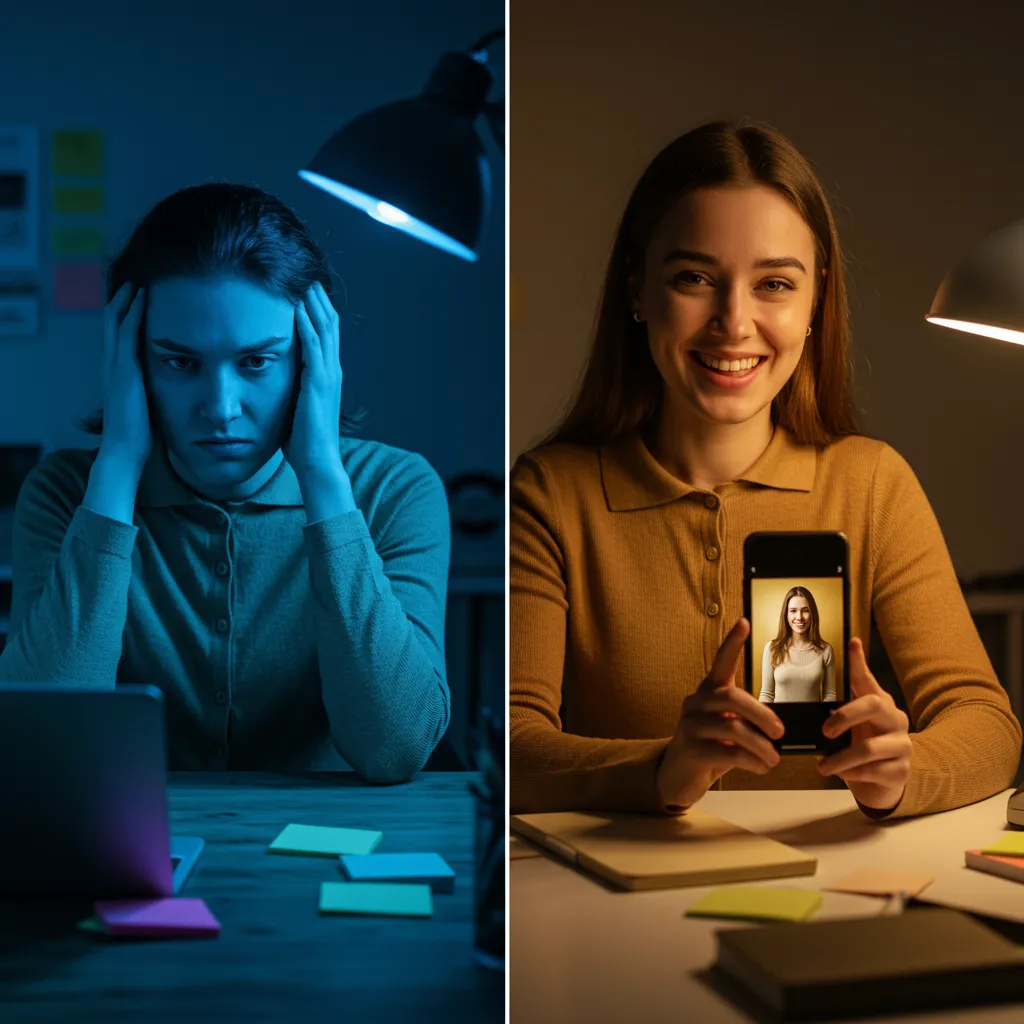
Scroll through TikTok right now and you'll see the same thing everywhere: people sharing their carefully crafted Gemini prompts for AI photos. Accounts with hundreds of thousands of followers dedicated entirely to prompt templates. Comments begging "drop the prompt please."
The typical workflow looks like this:
- Open Google Gemini (or ChatGPT, or Midjourney)
- Write a detailed prompt describing exactly what you want
- Wait for the result
- Realize it looks nothing like you imagined
- Rewrite the prompt with more detail
- Try again
- Get something close but the lighting is wrong
- Tweak the prompt again
- Finally get something decent after 10-20 minutes
Sound familiar?
This isn't a skill issue. Prompt engineering for photorealistic images is genuinely hard. The AI doesn't know what "professional headshot" means the same way you do. You end up writing paragraphs about lighting angles, camera distances, skin texture, background gradients, and color grading just to get what a photographer would understand from "give me a clean LinkedIn headshot."
Why Prompts Are the Wrong Interface for Photos
Here's what the TikTok prompt-sharing trend reveals: most people don't want to write prompts. They want results.
The entire reason prompt accounts exist is because regular people can't figure this out on their own. They need someone else to do the hard part, then they copy-paste. That's not empowerment, that's a workaround for a broken workflow.
Think about it differently. When you use Instagram filters, you don't write a prompt describing the exact color curve adjustments, vignette radius, and saturation levels you want. You tap a filter and see the result. When you order coffee, you say "medium latte" not "extract 18 grams of arabica beans at 93 degrees Celsius through 9 bars of pressure and combine with 150ml of milk steamed to 65 degrees."
Photos should work the same way.
The Two Schools of AI Photos
There are now two fundamentally different approaches to AI-generated photos:
The Prompt Approach (Gemini, ChatGPT, Midjourney)
You describe what you want in words. The AI interprets your description and generates an image. Results depend heavily on your prompt quality. If you're good at writing prompts, you can get incredible results. If you're not, you get mediocre output.
Strengths:
- Free (Gemini, ChatGPT free tier)
- Unlimited creative freedom
- Can generate literally anything
- Great for one-off creative experiments
Weaknesses:
- Steep learning curve
- Results inconsistent
- No face consistency between photos
- 10-20 minutes per good photo
- Need to rewrite prompts constantly
The Curated Approach (LensCherry, and a few others)
You upload a photo of yourself. The AI already knows what styles look good for headshots, dating photos, social content. You pick a style, click generate, and get a result in 30 seconds.
Strengths:
- No prompt writing needed
- Consistent quality across photos
- Face consistency (it actually looks like you)
- 30 seconds per photo
- Curated styles designed by professionals
Weaknesses:
- Quick Shots are curated (though Studio mode offers full creative freedom with custom prompts)
- One-time credit packs from $4.99; credits never expire.
- Best results are with photos of real people, though Studio mode handles creative content too
- Curated styles mean less experimental range than raw prompt tools
Neither approach is "better" in absolute terms. They solve different problems for different people.
When Free + Complex Beats Paid + Simple
If you're a graphic designer who needs a surreal landscape for a client project, Gemini or Midjourney is your tool. If you want to create fantasy art, generate product mockups, or experiment with visual concepts that don't exist in reality, prompt-based tools are irreplaceable.
If you have time, enjoy the creative process, and want maximum control over every detail, prompt engineering is satisfying work. Some people genuinely love crafting the perfect prompt. That's valid.
And the price argument is real. Gemini is free. ChatGPT's free tier generates images. If budget is the primary constraint and you have time, free tools work.
When You Just Need the Photo
But most people searching for "AI headshot prompt" or "AI dating photo prompt" don't actually want to learn prompt engineering. They want a professional headshot for LinkedIn by tomorrow. They want better dating photos before the weekend. They need a new profile picture for a job application due Friday.
For these people, the prompt is an obstacle, not a feature.
Here's the real comparison:
| Prompt Approach | Curated Approach | |
|---|---|---|
| Time to first photo | 10-20 min (with rewrites) | 30 seconds |
| Learning required | High | None |
| Face consistency | Poor (different face each time) | Exact (your face) |
| Quality floor | Low (bad prompts = bad photos) | High (all styles pre-tested) |
| Quality ceiling | Very high (with expert prompts) | High (limited by available styles) |
| Cost | Free | Credit packs from $4.99 |
| Best for | Creative experiments | Professional/social photos |
The gap is especially obvious with face consistency. When you use Gemini to generate "a professional headshot of me," it doesn't know what you look like. It generates a generic person. To get your actual face, you need to upload reference photos and write extremely specific prompts about your features, which gets creepy fast and still produces inconsistent results.
What Those TikTok Prompts Actually Produce
Let's talk about what happens when you copy a prompt from TikTok and paste it into Gemini.
Best case: you get a beautiful photo of someone who isn't you. The prompt might generate a stunning headshot, but it won't be your face, your body, your features. It'll be a generic AI person who happens to match the description in the prompt.
If you want it to look like YOU, you need to:
- Upload multiple selfies as reference
- Write the prompt to describe your specific features
- Hope the AI combines your face with the style correctly
- Iterate when it inevitably gets details wrong
This is the part the prompt-sharing accounts don't mention. The prompts they share produce great photos of fictional people. Getting great photos of yourself is a completely different challenge.
The Honest Take on LensCherry
Here's what LensCherry does differently, and where it falls short.
What we do well:
- Upload one selfie, get professional results in 30 seconds
- Your face stays consistent across every photo
- Quick Shots give you dozens of curated styles with one click
- No prompt writing, no technical knowledge needed
- One-time credit packs from $4.99; credits never expire.
Where we're honest about tradeoffs:
- Quick Shots are curated for common use cases, but Studio mode gives you full creative freedom with custom prompts
- Style options are curated rather than infinite, which means consistently high quality but less experimental range
- Credit packs start at $4.99 (no subscription required)
- Our specialty is professional photos of real people, but Studio mode can generate creative and artistic content too
If you need AI photos of yourself for professional, dating, or social purposes, this is what we built for. If you need creative AI art, use Gemini or Midjourney.
For the Prompt Lovers: Tips to Get Better Results
If you do want to stick with the prompt approach (totally valid), here are tips that actually work:
1. Be specific about camera settings, not adjectives
Bad: "A beautiful professional headshot, high quality, stunning"
Better: "Medium close-up portrait, 85mm lens, f/2.8 aperture, subject 4 feet from camera, single key light at 45 degrees camera left, white seamless background, subject wearing charcoal suit jacket"
Technical camera language translates better than subjective quality words.
2. Reference real photography styles
"Shot in the style of Peter Hurley headshot photography" works better than "professional headshot." AI models trained on tagged photos can match specific photographers' styles.
3. Describe what you DON'T want
"No dramatic shadows, no colored gels, no wide-angle distortion, no busy background" prevents common AI photo mistakes.
4. Iterate on one element at a time
Don't rewrite the whole prompt when something's off. Change the lighting description, regenerate. Then change the background. Systematic iteration beats random rewrites.
The Bigger Picture
The prompt-sharing trend on TikTok is a signal, not a solution. It signals that millions of people want AI photos but find the current tools too complex. The solution isn't better prompt templates. It's tools that don't need prompts at all.
This pattern has happened before in tech. Early websites required HTML knowledge. Then WordPress happened. Early video editing required timeline expertise. Then TikTok's editor happened. The tools that win long-term are the ones that remove the technical barrier without removing the quality.
We're building LensCherry to be that tool for AI photos. Not the most powerful option for power users. The most accessible option for everyone else.
Try It Yourself
Existing users can sign in to LensCherry to create headshots, dating photos, and creative portraits. Credit packs start at $4.99 and never expire.
If the prompt approach works better for your needs, that's genuinely fine. The right tool depends on what you're trying to accomplish.
But if all you want is a great photo of yourself without a PhD in prompt engineering, the faster way exists.
Get AI-generated headshots, dating photos, and more in just 30 seconds. Try your existing LensCherry account.
Sign in