AI Headshots for Remote Workers: The Complete Guide (2026)
Remote workers need professional headshots but can't always visit a studio. This complete guide covers how AI headshots solve the remote worker problem, platform requirements, cost comparisons, and tips for the best results.
LensCherry Team
AI Photo Experts • Updated February 2026
35% of the Workforce Has a Headshot Problem
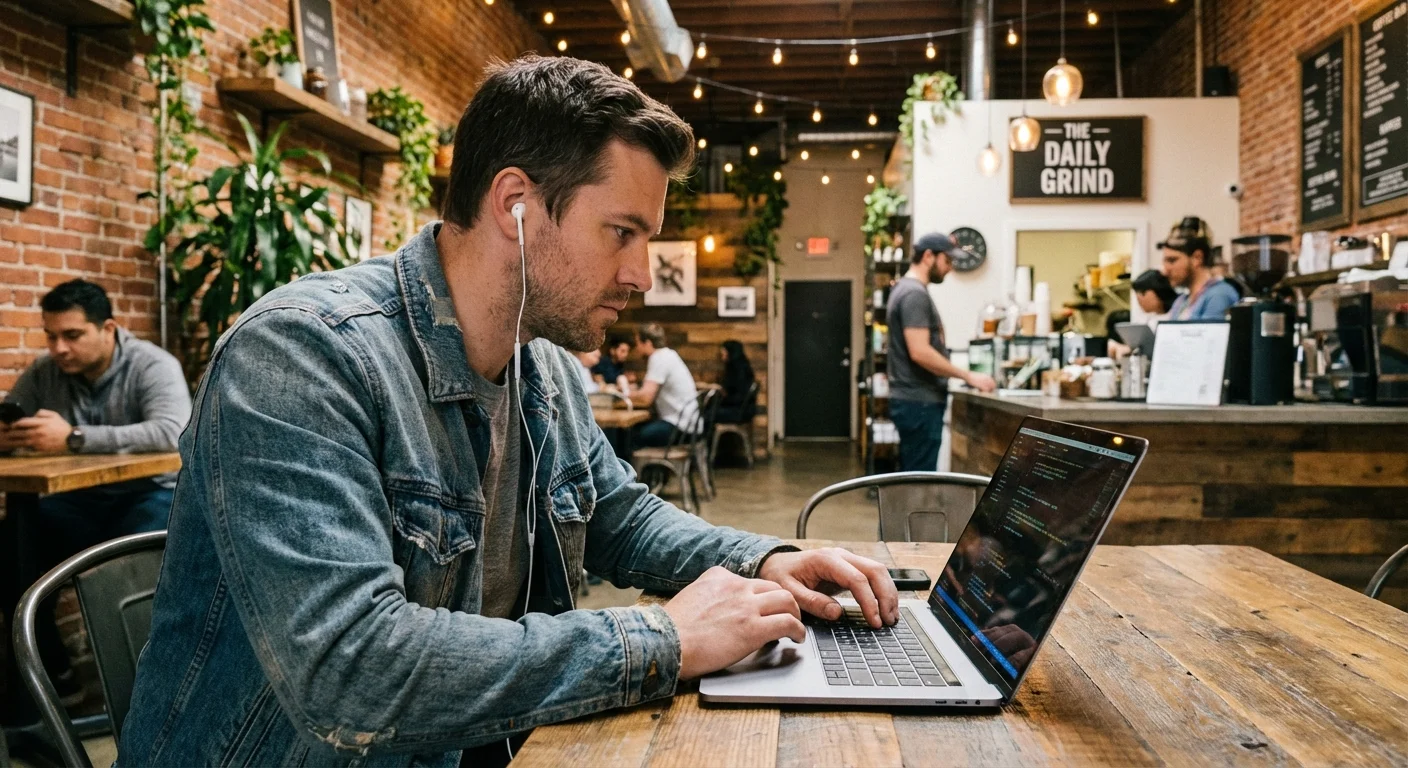
Here's a number that doesn't get enough attention: over 35% of the American workforce now works remotely or in a hybrid arrangement. That's tens of millions of professionals whose primary "office presence" is a 200-pixel avatar on Slack, a thumbnail on Zoom, and a profile photo on LinkedIn.
And most of those photos are terrible.
Not because remote workers don't care, but because the traditional solution (book a studio, drive across town, sit for 45 minutes, wait a week for retouching, pay $300) doesn't fit the remote work lifestyle. When your commute is from the bedroom to the kitchen table, a photography studio feels like a relic from the before times.
AI headshots changed this equation completely. Here's how.
Why Remote Workers Need Professional Headshots More, Not Less
There's a common misconception that remote workers need headshots less because they're not in an office. The opposite is true.
When you work remotely, your photo IS your presence. There's no hallway small talk, no conference room first impressions, no office wardrobe signaling your competence. Your colleagues, clients, and managers form impressions from:
- Your Slack avatar, seen dozens of times per day
- Your Zoom thumbnail, the first thing people notice when you join a call
- Your LinkedIn profile, where recruiters and clients research you
- Your email signature, attached to every message you send
- Your company team page, where clients evaluate your organization
- Your GitHub/portfolio, where collaborators and hiring managers size you up
A fuzzy webcam grab or a cropped vacation photo doesn't cut it. It signals "I don't take this seriously", even if you absolutely do.
The Remote Worker Tax
Remote workers face a real disadvantage in being "seen" within organizations. Research from multiple workplace studies shows that remote employees are promoted less frequently and rated lower in performance reviews despite equal output. Part of this is visibility bias, out of sight, out of mind.
A professional headshot won't fix structural bias, but it does one important thing: it makes you look like someone who invests in their professional presence. That signal matters when your manager is making promotion decisions about someone they see on a screen 95% of the time.
How AI Headshots Solve the Remote Worker Problem
Traditional headshots require you to be somewhere specific at a specific time. AI headshots require you to upload a few selfies from your couch. That's the fundamental shift.
What Actually Happens
- Upload 3-6 selfies from your phone (different angles, good lighting, neutral expression)
- Choose a style, corporate, smart casual, creative, or let the AI suggest based on your face
- Get results in 30 seconds, multiple professional headshots with studio lighting, clean backgrounds, and polished looks
- Pick your favorites and download in high resolution
No appointment. No commute. No waiting. No $300 bill.
Why This Matters Specifically for Remote Workers
- You're already home. The selfies come from wherever you are. No travel required.
- Time zones don't matter. Generate headshots at midnight if that's when you remember you need one.
- Multiple looks, one session. Need a formal shot for LinkedIn and a casual one for Slack? Generate both.
- Update anytime. New haircut? New glasses? New job? New headshot in 30 seconds, not a new studio booking.
- Team consistency. If your whole remote team needs headshots for the company page, everyone generates theirs independently with consistent quality. No coordinating schedules across 4 time zones.
The Real Cost Comparison
Let's be honest about money, because remote workers are often paying out of pocket for things their office-based counterparts get through company perks.
| Photography Studio | AI Headshots (LensCherry) | |
|---|---|---|
| Cost | $200 to $500 per session | Free (3 photos) or packs from $4.99 |
| Time investment | 2 to 4 hours (travel + session + waiting) | 5 minutes |
| Results received | 3 to 10 retouched photos in 1 to 2 weeks | Unlimited, instantly |
| Updating | Full new session required ($200+) | Generate new ones anytime |
| Multiple styles | Usually 1 to 2 looks per session | Unlimited styles |
| Team pricing | $150 to $300 per person | Same subscription covers everyone's generations |
| Quality | Excellent | Very good to excellent |
The math is clear for most remote workers. Unless you're a C-suite executive whose headshot will appear in Forbes (and even then, honestly), AI headshots deliver professional quality at a fraction of the cost and time.
Platform-by-Platform Requirements
Different platforms have different needs. Here's exactly what you need for each:
- Dimensions: 400×400 minimum, 800×800 recommended
- File size: Under 8MB
- Best style: Professional, head and shoulders, slight smile
- Background: Neutral solid colors (gray, blue, muted tones)
- Pro tip: LinkedIn profiles with professional photos get 21x more views. This is the most important professional photo you have.
Slack
- Dimensions: 512×512 pixels
- Display size: Usually 36×36 to 72×72 on screen
- Best style: Clear face, high contrast, it needs to be recognizable at tiny sizes
- Background: Simple, not busy, it'll be illegible at avatar size anyway
- Pro tip: Use a slightly tighter crop than your LinkedIn photo. More face, less background.
Zoom / Microsoft Teams
- Profile photo: 150×150 minimum
- Gallery view: Your photo appears when video is off, make it professional
- Best style: Friendly, approachable, this is what people see during meetings
- Pro tip: Use the same photo across Zoom and Teams for consistency. People should recognize you instantly.
Google Meet / Google Workspace
- Dimensions: Uses your Google account photo (250×250 recommended)
- Best style: Same as Zoom, friendly and professional
- Pro tip: Update your Google account photo and it flows to Gmail, Meet, and Docs comments automatically.
Company Website / Team Page
- Dimensions: Varies, but 800×800 minimum at high quality
- Best style: Should match the existing team photo style on the page
- Background: Ideally consistent across the team
- Pro tip: This is where AI headshots really shine for remote teams, everyone generates independently but with consistent professional quality.
Email Signature
- Dimensions: 100×100 to 200×200 pixels typically
- Best style: Recognizable at small sizes, professional
- Pro tip: Use a square crop of your headshot. Some email clients display it as a circle.
Tips for Getting the Best AI Headshot Results
AI headshots are only as good as the selfies you upload. Here's how to nail it:
Lighting Is Everything
- Face a window. Natural front-facing light is the single most impactful factor.
- Avoid overhead lights. They create unflattering shadows under your eyes and nose.
- No backlighting. Don't stand with a window behind you, your face will be dark.
- Cloudy days are ideal. Overcast light is soft and even. Direct sun creates harsh shadows.
Take Better Selfies
- Multiple angles. Front-facing, slight left turn, slight right turn. Give the AI options.
- Neutral expression. A slight, natural smile works best. Don't force it.
- Clean background. The AI replaces it, but a busy background can confuse face detection.
- No heavy filters. The AI needs to see your actual face. Instagram filters reduce quality.
- Current appearance. Use recent selfies that reflect how you look right now.
Choose the Right Style
For remote workers, here's what we recommend by role:
- Engineering / Technical: Smart casual. Clean shirt or henley, no tie. See our engineer headshot guide.
- Sales / Client-Facing: Business professional. Blazer or suit jacket. Project trustworthiness.
- Executive / Management: Formal but approachable. See our executive headshot guide.
- Creative / Design: More freedom, express personality while staying polished. Check our photographer headshot guide for creative professional examples.
- Healthcare / Therapy: Clean, warm, trustworthy. See our therapist headshot guide or nurse headshot guide.
- Education: Approachable and professional. Our teacher headshot guide has specific tips.
Generate Multiple Options
Don't settle for the first result. Generate 5 to 10 headshots across different styles, then:
- Pick your top 3
- Send them to a friend or colleague and ask "which one looks most like me?"
- Use that one everywhere
The friend test matters because we're bad at evaluating our own photos. What feels "weird" to you often looks great to others.
When a Studio Is Still Worth It
We sell AI headshots, but we'll be honest: sometimes a studio is the right call.
Go to a studio if:
- You're a C-suite executive and your headshot will appear in investor materials and press coverage
- You need very specific poses or expressions for acting/modeling portfolios
- Your company is paying for it and you enjoy the experience
- You want prints larger than 16×20 inches
Use AI headshots if:
- You need professional photos and can't or won't visit a studio
- You want multiple styles and the ability to update frequently
- You're budget-conscious (most remote workers are, companies don't always reimburse)
- You need team consistency across a distributed workforce
- You need photos TODAY, not in two weeks
For 95% of remote workers, AI headshots are the pragmatic choice. They solve the actual problem, you need a professional photo, you don't want to spend half a day and $300 getting one, without compromise on quality.
The Remote Team Headshot Strategy
If you manage a remote team, here's a quick playbook:
- Set a standard. "Everyone needs a professional headshot for the team page by [date]."
- Provide the tool. A LensCherry subscription costs less than one studio session for one person.
- Share guidelines. "Business casual style, neutral background, smiling."
- Let people self-serve. Remote workers are self-directed by nature. Give them the tool and get out of the way.
- Update annually. Set a yearly reminder. People change appearance; photos should keep up.
This approach costs under $100 total and takes each person 5 minutes. Compare that to coordinating a photographer across time zones, or worse, accepting that half your team page has photos from 2019 and the other half has no photo at all.
Once you have the headshots sorted, you still need to keep your remote team organized. A flat-rate project management tool like Thicket lets you coordinate across time zones without per-seat pricing eating into your budget.
Your Headshot Is Your Handshake
In a remote-first world, your profile photo is the closest thing to a first impression you'll get with most colleagues, clients, and partners. It's the thumbnail that represents you in every Slack thread, every Zoom waiting room, every LinkedIn search result.
It doesn't need to be perfect. It needs to be professional, current, and recognizably you.
AI headshots make that easy. No excuses, no scheduling, no budget negotiations. Upload a few selfies, pick a style, and in 30 seconds you have a headshot that works everywhere.
Existing users can sign in to LensCherry to create headshots, dating photos, and creative portraits. Credit packs start at $4.99 and never expire.
Related reading:
Get AI-generated headshots, dating photos, and more in just 30 seconds. Try your existing LensCherry account.
Sign in