LensCherry vs Photoroom: AI Photo Generation vs Background Editing (2026)
Honest comparison of LensCherry and Photoroom. One generates new AI photos from selfies. The other edits backgrounds on existing photos. Which do you actually need?
LensCherry Team
AI Photo Experts • Updated March 2026
TL;DR: LensCherry and Photoroom do fundamentally different things. Photoroom removes and replaces backgrounds on your existing photos. LensCherry generates entirely new photos of you from reference selfies. If you already have great photos and just need to swap the background, Photoroom works. If you need new professional photos and don't have any good ones, LensCherry is the tool you want.
Two Very Different Tools
This comparison comes up a lot, and it makes sense on the surface. Both tools use AI. Both deal with photos. Both promise better-looking images. But once you look at what each tool actually does, you'll realize they solve completely different problems.
Photoroom is a background removal and replacement tool. You upload an existing photo, it cuts out the subject, and you place them on a new background. Think of it like a smart eraser plus a backdrop catalog.
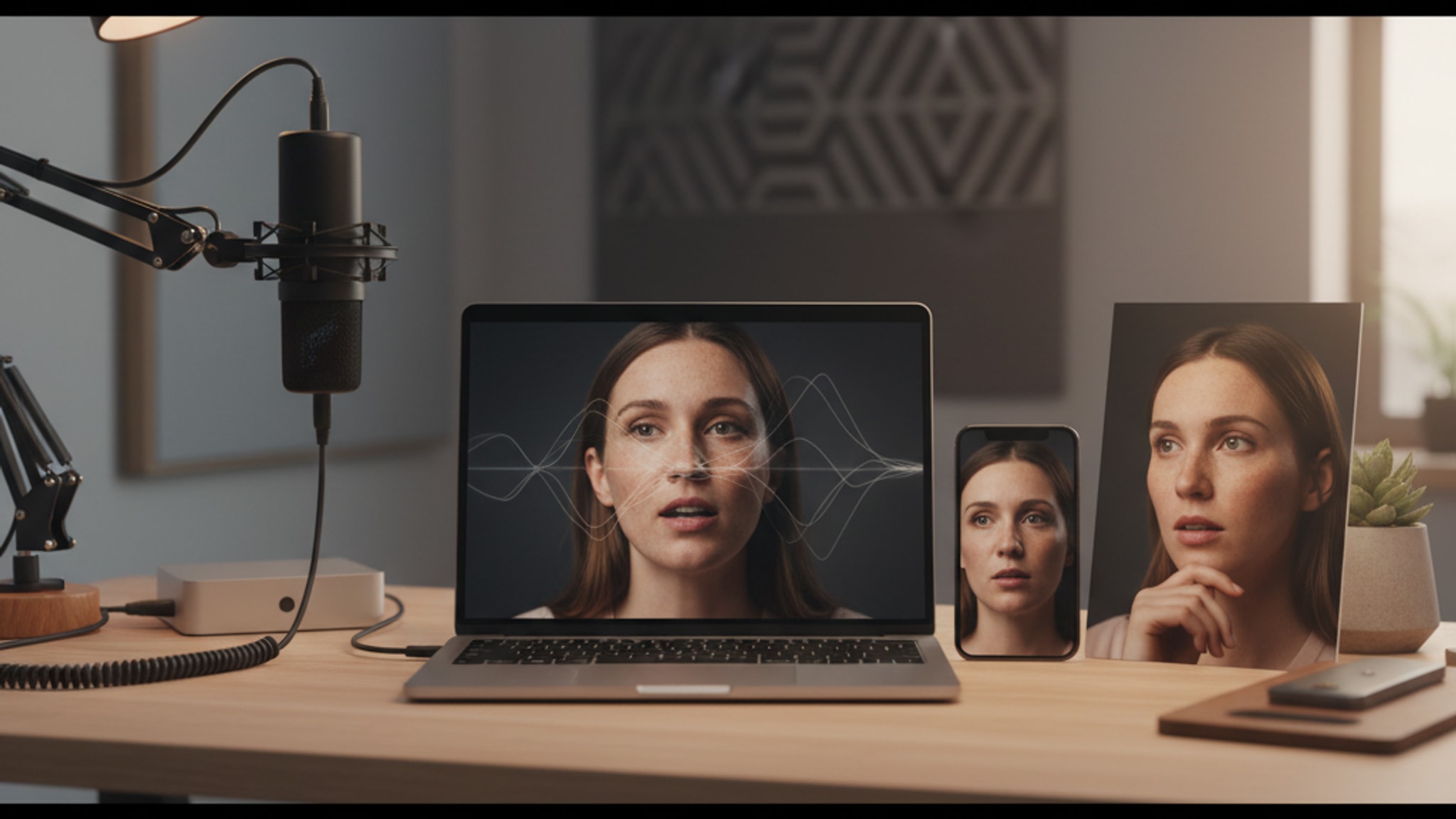
LensCherry is an AI Creative Studio. You upload 10 to 20 selfies, it creates an AI model of your appearance, and then you generate completely new photos. New poses, new outfits, new settings, new lighting. Photos that never existed before.
The difference matters. A lot.
What Photoroom Does Well
Photoroom has carved out a solid niche. It's genuinely good at:
Background removal. Their AI is fast and accurate. Upload a product photo or portrait, and the background disappears in seconds. The edge detection is clean, even with tricky elements like hair.
E-commerce product photos. This is Photoroom's sweet spot. If you sell products online and need clean white-background shots or lifestyle mockups, it handles that efficiently. Upload a photo of your product on your kitchen table, and Photoroom gives you a studio-quality product shot.
Batch processing. For businesses with hundreds of product images, Photoroom can process them in bulk. That's a real time-saver.
Quick social media edits. Need to drop a new background behind a selfie for Instagram? Photoroom does that in under a minute.
What Photoroom Can't Do
Here's where it gets real. Photoroom can only work with photos you already have. It can't:
- Change your pose or expression
- Fix bad lighting on your face
- Generate a photo from scratch
- Create professional headshots from casual selfies
- Put you in a setting you've never been photographed in
- Change your outfit
If you upload a poorly lit bathroom selfie, Photoroom can give it a nicer background. But your face still has that bathroom-selfie lighting, your expression is still the same, and you're still wearing whatever you had on. The background changes. Nothing else does.
What LensCherry Does Differently
LensCherry takes a completely different approach. Instead of editing an existing photo, it creates new ones.
Here's the process:
- Upload 10 to 20 reference selfies from different angles
- LensCherry creates an AI model based on your appearance
- You generate new photos using text prompts or preset styles
- You get photos with professional lighting, natural poses, and studio-quality composition
The output is an entirely new image. You can generate a professional headshot in a suit even if you don't own a suit. You can get a photo in front of a city skyline without leaving your house. You can create dating profile photos, LinkedIn headshots, or creative portraits all from the same set of reference selfies.
For a broader look at AI headshot options, check our best AI headshot generators in 2026 roundup.
Pricing Comparison
Here's how the two stack up on cost:
| Feature | LensCherry | Photoroom |
|---|
| Entry paid plan | $4.99 (Starter Pack, 10 credits) | $9.99/mo (Pro) | | Best value | $9.99 (Creator Pack, 24 credits) | $23.99/mo (Business) | | Largest pack | $19.99 (Studio Pack, 60 credits) | None | | What you get | New AI-generated photos | Background removal/replacement | | AI model creation | Yes | No | | Batch processing | No | Yes |
The pricing is close, but what you get for the money is completely different. $9.99/mo for Photoroom gives you unlimited background swaps. $4.99 for a LensCherry Starter Pack gives you 10 credits to generate new photos that didn't exist before, with no subscription required.
When to Use Each Tool
Use Photoroom when:
- You already have great photos and just need different backgrounds
- You run an e-commerce store and need product photos with clean backgrounds
- You want quick social media edits (background swaps, collages)
- You need batch processing for large catalogs
- Your photos are well-lit and well-composed, just the background is wrong
Use LensCherry when:
- You don't have professional photos at all
- You need headshots for LinkedIn, dating apps, or your company website
- You want photos in settings or outfits you don't currently have
- Your existing photos have bad lighting, awkward poses, or poor composition
- You need multiple styles of photos from the same reference set
- You want to try different looks before committing to a photographer
Use both when:
- You generate photos with LensCherry, then use Photoroom to swap backgrounds for specific use cases
- You have some existing photos worth editing (Photoroom) but also need new ones (LensCherry)
The Real Question
The comparison between LensCherry and Photoroom isn't really "which is better." It's "what do you actually need?"
If your problem is "I have good photos but the background is wrong," Photoroom solves that.
If your problem is "I don't have good photos," Photoroom can't help you. You need new photos, and that's exactly what LensCherry builds.
Existing LensCherry users can buy credit packs from $4.99. Credits never expire.
Get AI-generated headshots, dating photos, and more in just 30 seconds. Try your existing LensCherry account.
Sign in