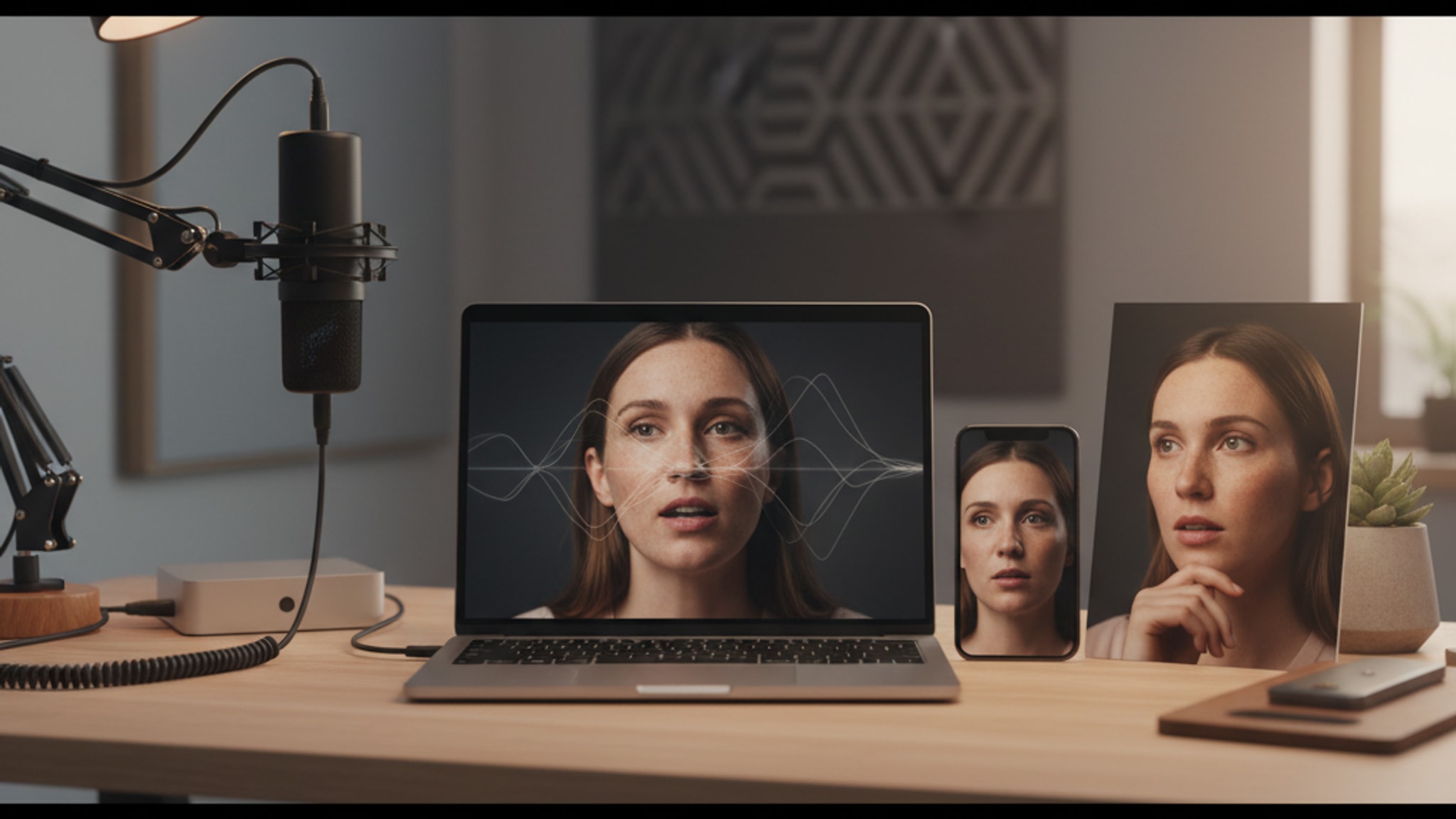
How AI Photo Generation Actually Works (No Jargon)
Upload a selfie, get a studio headshot. A plain-English guide to diffusion models, AI image generation, and how personalized AI headshots actually work in 2026.
LensCherry Team
AI Photo Experts • Updated April 2026
TL;DR
- AI photo generators learn what photos look like by studying millions of image-and-caption pairs, then build new images from random noise.
- The core technique is the diffusion model. It starts with static and removes noise step by step, guided by your text prompt.
- For personalized AI headshots, the system also learns your face from 3 to 6 reference selfies and uses that as a condition for every new image.
- Modern 2026 results are near-photorealistic. Hands, skin texture, and identity consistency are dramatically better than they were even a year ago.
- Existing users can sign in to LensCherry to create photos with their credits.
The Magic Behind AI Photos
You upload a few selfies, click a button, and suddenly you have professional-quality photos in settings you've never visited, wearing clothes you don't own. It feels like magic, but it's actually sophisticated mathematics and machine learning.
Here's how AI photo generation actually works, explained without the jargon.
The Basic Concept: Learning from Patterns
At its core, AI image generation works by learning patterns from millions of images. Imagine showing someone a million photos of professional headshots. Eventually, they'd start to understand:
- How professional lighting looks
- What backgrounds are common
- How people typically pose
- What makes a photo look "professional"
AI does the same thing, but with mathematical precision and at massive scale.
The Technology: Diffusion Models
Modern AI photo generators use something called diffusion models. Here's the short version:
The Training Process
- Start with millions of images paired with descriptions
- Add noise gradually until images become pure static
- Train the AI to reverse this process, removing noise step by step
- The AI learns to go from random noise to clear image
The Generation Process
- Start with random noise (like TV static)
- Apply the model repeatedly
- Each step removes noise and adds structure
- Guide with text prompts to shape what emerges
- Final result: A coherent, realistic image
Think of it like sculpting. You start with a rough block and progressively refine until a clear image emerges.
How AI Headshots Specifically Work
AI headshot generators add an extra layer: personalization. Here's the typical process:
Step 1: Upload Reference Photos
You provide a few photos of yourself (as few as 3-6 with some tools). These should include:
- Different angles
- Various lighting conditions
- Multiple expressions
- Clear views of your face
Step 2: AI Analyzes Your Photos
The AI processes your reference photos to identify:
- Your unique facial features
- Your skin tone and texture
- Your face shape and proportions
- Distinguishing characteristics
This analysis enables the AI to generate new photos that accurately resemble you.
Step 3: Generate New Images
Using the analysis of your reference photos plus prompts like "professional headshot, business attire, gray background," the AI:
- Starts with noise
- Uses the diffusion process
- Incorporates your unique features
- Follows the style prompt
- Produces a new, unique image of you
The result is a photo that looks like you, but in a setting or style you never actually photographed.
Key Technologies Involved
Neural Networks
The brain of AI systems. Layers of mathematical functions that process and transform data, learning complex patterns through training.
Training Data
Millions of image-text pairs that teach the AI what things look like and how to describe them. Quality and diversity of training data dramatically affects output quality.
Latent Space
A compressed mathematical representation of images. The AI works in this abstract space where similar images are close together, enabling smooth transitions and combinations.
Conditioning
The process of guiding generation with additional information: text prompts, reference images, or specific features you want to include.
Fine-tuning
An industry technique where a pre-trained model is specialized further for a particular task or domain, enabling more targeted and accurate outputs.
Why Results Have Improved Dramatically
AI photo generation has improved exponentially over the past few years:
2022-2023
- Often uncanny valley results
- Obvious artifacts (weird hands, distorted faces)
- Limited style control
- Lower resolutions
2024-2025
- Near-photorealistic quality
- Better consistency
- Improved fine-tuning techniques
- Higher resolutions (2K-4K)
2026
- Virtually indistinguishable from real photos
- Excellent personalization
- Video generation capabilities
- Unprecedented control over outputs
Limitations to Understand
Not Perfect Clones
AI creates new images inspired by you, not pixel-perfect recreations. Results may:
- Slightly idealize features
- Miss subtle personal characteristics
- Vary in accuracy between attempts
Dependent on Input Quality
Better input photos mean better results. The AI can only learn from what you provide.
Occasional Artifacts
Even modern AI can produce:
- Slightly off details
- Inconsistent accessories
- Minor lighting irregularities
These are becoming rarer but still happen.
Ethical Considerations
Authenticity
AI-generated photos should represent you fairly. Selecting heavily idealized outputs that don't look like you in person creates real problems.
Disclosure
In professional contexts, some argue AI headshots should be disclosed. This is still a gray area culturally and legally.
Consent
AI photo technology should only be used with proper consent. Generating images of others without permission is a serious issue.
The Future of AI Photography
We're moving toward:
- Real-time generation during video calls
- Perfect consistency across thousands of images
- Full video generation with your likeness
- Interactive editing of any aspect of the image
The technology that feels cutting-edge today will be standard tomorrow.
Try AI Photo Generation Yourself
Existing users can sign in to LensCherry to create headshots, dating photos, and creative portraits. Credit packs start at $4.99 and never expire.
You can also see how content creators and professionals are using this same technology today, or compare AI generation against booking a studio session before you decide what fits your needs.
Related Reading
If you want to go deeper than the technology itself, these guides cover the practical side of using AI photos in 2026:
- How much do professional headshots cost in 2026?: AI generators vs. studio sessions on price and quality.
- LensCherry vs HeadshotPro: an honest side-by-side of two AI headshot tools.
- Best AI photo apps in 2026: what is actually worth paying for right now.
- How to get AI headshots that look like you: selfie tips that change the output more than you think.
Frequently Asked Questions
How does AI photo generation work in simple terms?
AI image generators learn patterns from millions of labeled photos, then build new images by starting with pure noise and removing it step by step until a coherent image emerges. A text prompt and, for personalized photos, reference selfies guide what the final image looks like.
What is a diffusion model?
A diffusion model is the type of AI behind tools like DALL-E, Stable Diffusion, Midjourney, and the systems powering most AI headshot apps. It is taught to reverse a noise process: take a static-filled image and progressively clean it up. Run that reversal from pure noise and you get a brand new photo.
How many reference photos do I need to create a personalized AI model?
Most modern tools need 3 to 6 clear photos of your face. Variety matters more than quantity: different angles, different lighting, and a few neutral expressions produce far better likeness than 30 nearly-identical selfies.
How long does it take to generate AI photos?
A single image typically takes 10 to 60 seconds in 2026. Creating the personalized model from your reference photos is a one-time step that takes a few minutes, after which every new image is fast.
Are AI-generated headshots considered real photos?
They are real images of a real you, generated rather than captured. For LinkedIn, dating profiles, and most professional bios this is fine, as long as the result still looks like you in person. Some industries and contexts expect disclosure, so use judgment.
Why do AI photos sometimes have weird hands or distorted details?
Diffusion models reason about overall image structure, not anatomy. Hands, jewelry, text, and intricate background details are where the math most often runs out of context. 2026 models handle these well most of the time, but artifacts still show up occasionally.
Conclusion
AI photo generation combines massive data, sophisticated mathematics, and clever engineering to produce results that were impossible just a few years ago. Understanding how it works helps you use it more effectively, decide when to use a generator versus a real camera, and appreciate the genuine innovation behind the results.
Get AI-generated headshots, dating photos, and more in just 30 seconds. Try your existing LensCherry account.
Sign in